Blog

An Update. Not too notable.

Hrm, what to update on?  My last post was released roughly 4 months ago.  Who could have imagined where we would be today?  Corona is … mostly a ploy to destroy the economy in the wake of the November elections.  There are some real medical issues that could be present but its to the same group of people who are vulnerable to the seasonal flu.  Its time to get back to work America.

Having addressed that … what else is there to talk about?  Let me rummage about here.  This is more of a scrap bin update so … things might be rough in places.

Projects

The biggest change is that I have a new shop.  I would love to post pictures but operational security and all.  The new shop gives me better capabilities.  I’ve also expanded what tools I have on site.  A basic stick/tig welder, lathe, and work bench are all welcome additions to my capabilities.  I’m looking forward to starting my own business and maybe escaping from the nonsense that is corporate America.  My sales site is already listed on here, but for kicks, check out my offerings at underthebedstudio.com.

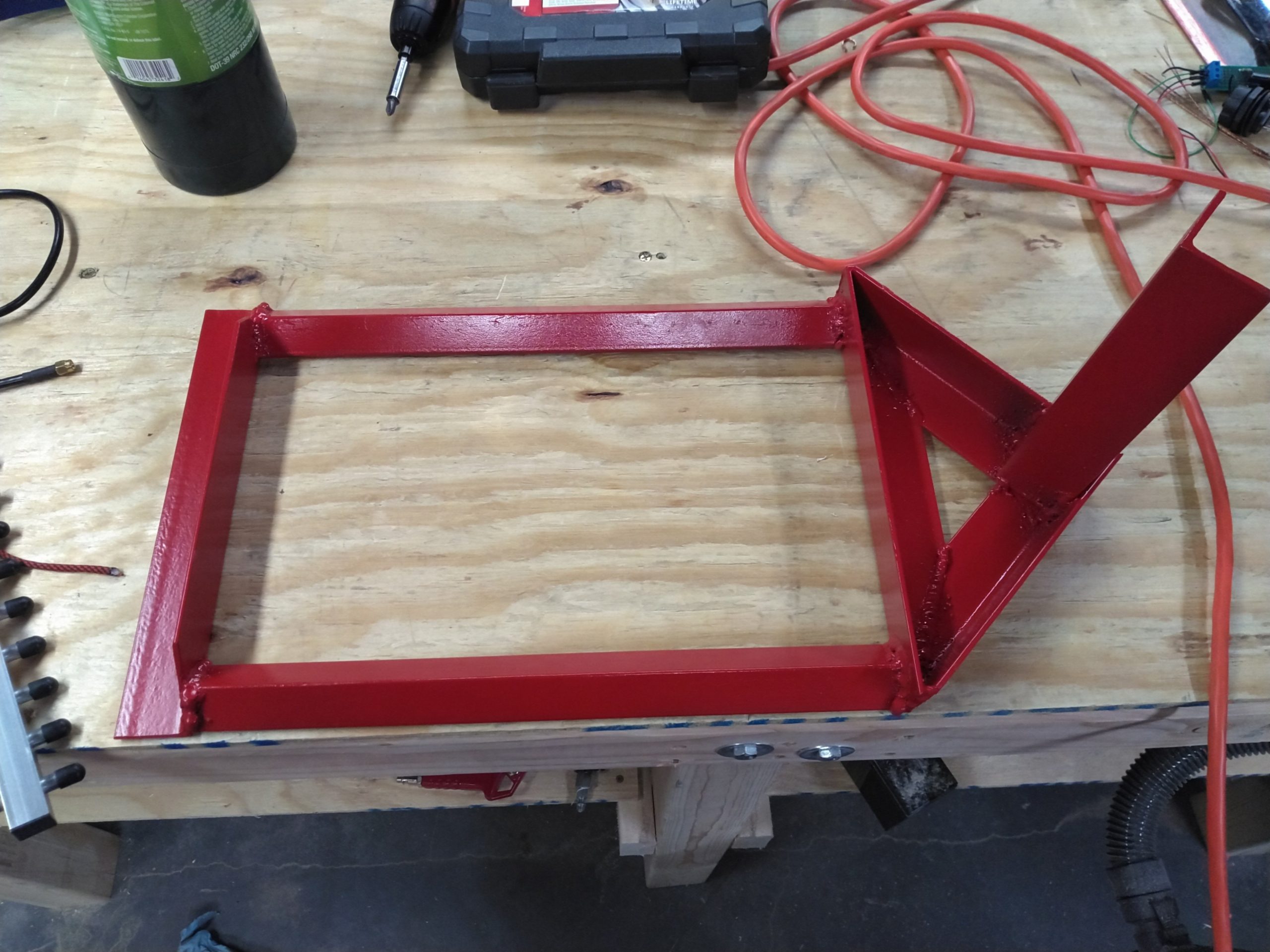
I also built a painting cabinet that helps keep the fumes down in the house and give excellent finishes to parts I need to paint.  One of the first projects that I used it for was a drive over antenna base.  My intention to use this at the remaining service events this year that don’t get cancelled as a result of the Panicdemic.
Another cool project I worked on was a Cigar Punch.  With my 3d printer I was able to iterate through designs pretty quickly.  I threw out the iterations but took a picture first:
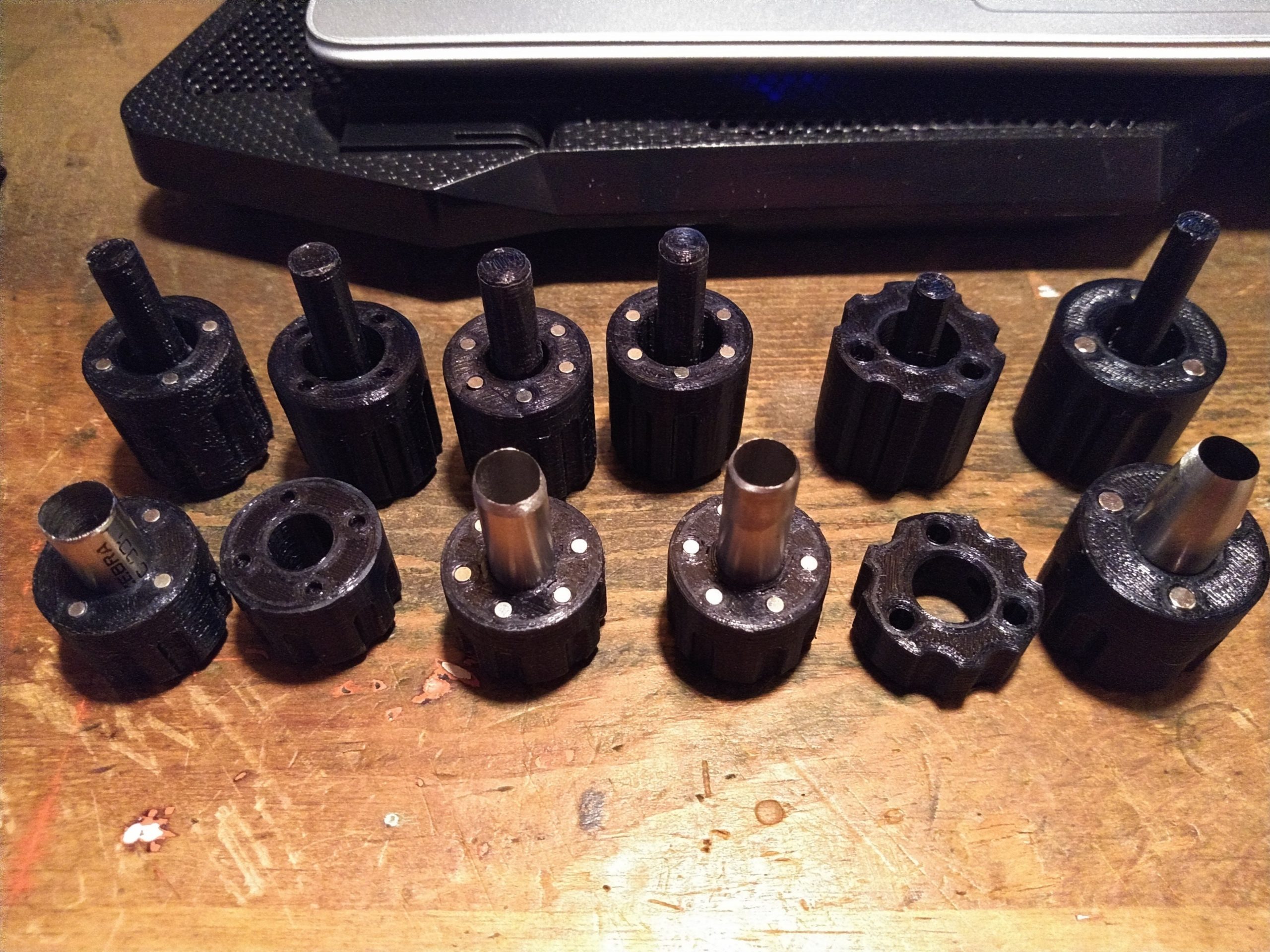
Only took me 6 tries to get to the form factor I was happy with.  I also finally found a pre-hardened material to make the punch itself from (drill bushings), which was the cause of Mk4 & Mk 4.1.

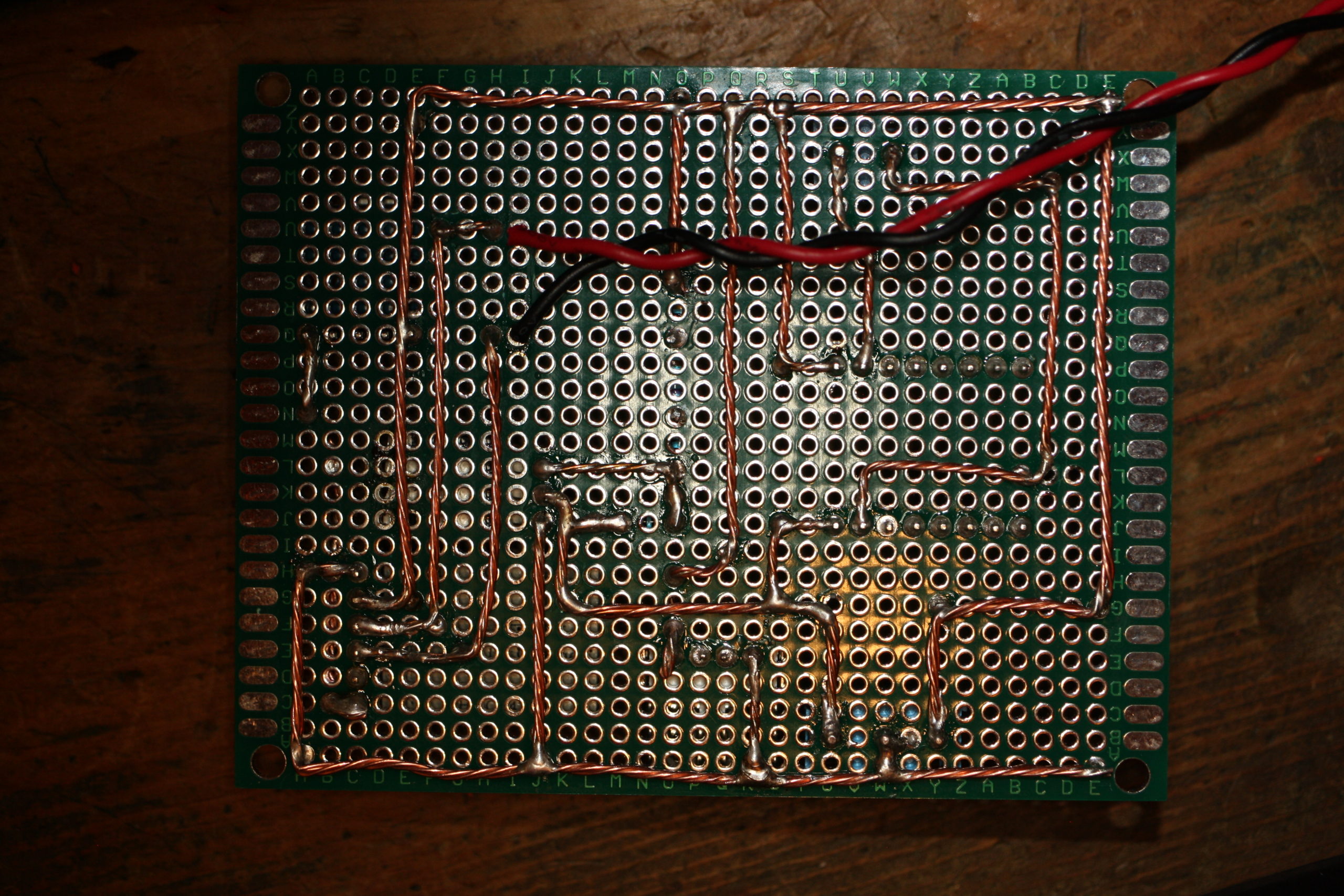
While I was looking at a few things, I ended up buying an ESP-12s which I found prebuilt firmware that would let me use it as a serial port over wifi.  Pretty sweet.  So here’s my interpretation of it:
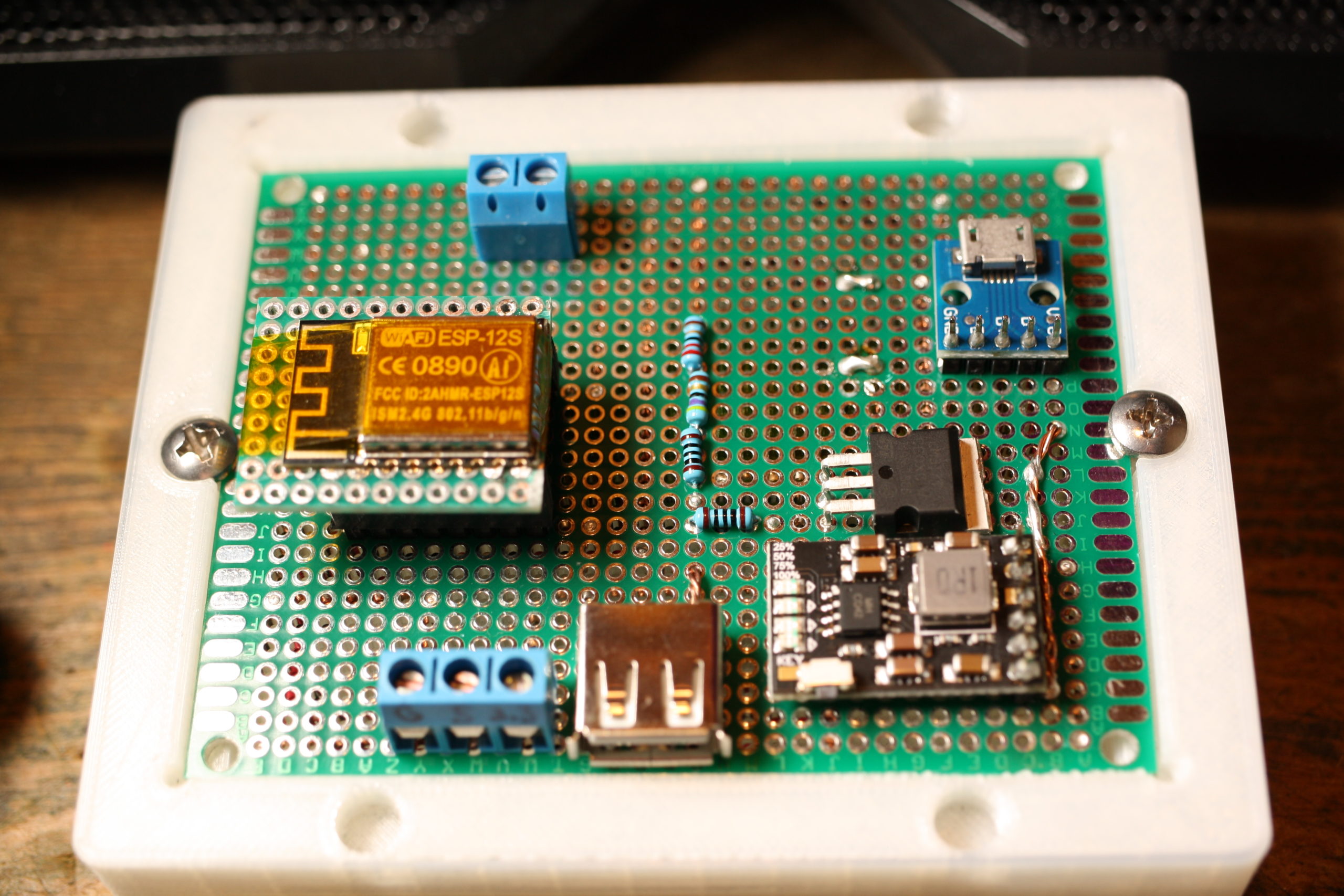
Here’s the Schematic for the protoboard above. It uses an 18650 cell under the board for powering everything. And here is the STL for the carrier. I used standard 8-32 screws to hold the protoboard down.  The charger circuit chip is here on Amazon.

Computer Jazz Hands

A few computer things that I’d like to talk about.

First up is the Retroflag GPi.  This is a pretty slick little box that takes a Raspberry Pi Zero (Wireless if that’s your thing) and turns it into a self contained Retropie gaming machine.  Being that its a Pi Zero, it struggles with anything over Super Nintendo but works pretty well for lots of other things.  If you’re into gaming I highly recommend it.  I just wish every single pi unit with the exception of the Pi3 wasn’t so damn finicky.  I do have scripts that allow me to turn off the wifi and the bluetooth and also rsync over wireless.  Code at the bottom.  One thing I would recommend to everyone – just get a bluetooth keyboard at the same time.  Normally I would recommend a 2.4ghz USB keyboard (I’m a fan of this one) but with the Pi Zero and the GPi case – bluetooth is best. I ended up with this one.

Ah, the Hak5 Jasager.  They released the firmware 2.4 for the Mark V a month or so ago.  I hate to say it, but I’ve never really gotten the thing to work as well as I would like.  I’m always fighting with it, and it seems to be always corrupting sd cards – which kills my plugins.  At this point, I would be hard pressed to buy the Mark VI.  Hak5, thanks for all you’ve taught me.  Best of wishes.

What about a Pwnagotchi?  A wifi auth key hacking tomagotchi?  Sweet.  But my dislike of RasPi’s still applies.  Also, its 2020 and now that I ponder the idea – I only see a couple of wifi configurations in the “wild.”  The first is with a proper WPA2 password which can be tricky to catch and crack.  The other is a captive portals with open associations.  And no, fortune 500 employers and authentication portal doesn’t secure the traffic of the users.  With open associations, no reason to associate.  Just grab it from the air.

I built myself a FreeNAS box last year as well.  This makes it super easy to back up my laptop across the network.  A few recommendations

  • Wire your network.  Seriously.  The speeds of a wired 10/100 easily exceed the speeds of wireless.  While you’re at it, this is an excellent time to learn how to make your own network cables.  Pick up a 100′ Cat5e cable and a crimpers + ends and go to town.  Custom length cables make management much easier.
  • Put in a “dumb” gigabit switch between your main computer and the freeNAS.  I bought this one, but I couldn’t tell you if it would better then any other.  Going to gigbit?  Amazing.  Most files get transferred before a status window can open.  And backups – ironically 10 times faster.
  • RAID.  RAID all the things!
  • And, do yourself a favor.  Get a cheap UPS to put the freeNAS on so minor (or major) power outages let it fail gracefully.
  • Having a well spec’d FreeNAS box lets you run servers all the time.  I have one that starts up to handle my DNS requests.  I’m running the Pi-Hole distribution because I’m not a fan of ads.  Or the tracking nonsense that they do.

Getting a FreeNAS box set up was awesome.  I highly recommend it.  Right now, I’m loving everything about it.

I’m still running Fedora 30 on my laptop.  I’ve never really booted to the Windows 10 installation that came with it – just to shrink the partition and I’m considering getting rid of it when I update to Fedora 32.  I’ve held out against Fedora 31 long enough that I think I’m going to wait for 32 now.  I usually do a fresh install.  To many things can get muddled when doing an update and a fresh start it always nice. Probably make an image of the HD again before I wipe Windows 10 though.  Shout out to Clonezilla.  Thanks guys!

Miscellaneous Topics

Affiliate Links.  There’s still no affiliate links here on the blog, and there will probably never, ever be unless the players change their tune.  As I figured, they’ve started to weaponize the Terms of Service and its just not worth it for the little money.  If the Youtube Adpocolypse can hit somebody like Demolition Ranch …. it will happen to anyone.  Free Speech is important – don’t let yourself get caught in the trap.  By the way, COVID-19 is totally Commie China’s fault.

Social Distancing.  Ugh.  Seriously?  Why did it take this for people to realize that door knobs, pin pads, and people are nasty?  They’re just nasty.  And, stay the hell out of my face.  COVID or not, I don’t want you within reach.  Just back off.  If you’re close enough that I could reach out and kick you … maybe you should back up just a touch.

Drones.  I would love to get a TinyWhoop with FPV.  I think it could be super useful and handy.  But then I look at my other drones that I never touch and convince myself its to much.  Drone guys, keep it up.  I’ll have to live vicariously through your youtube videos.

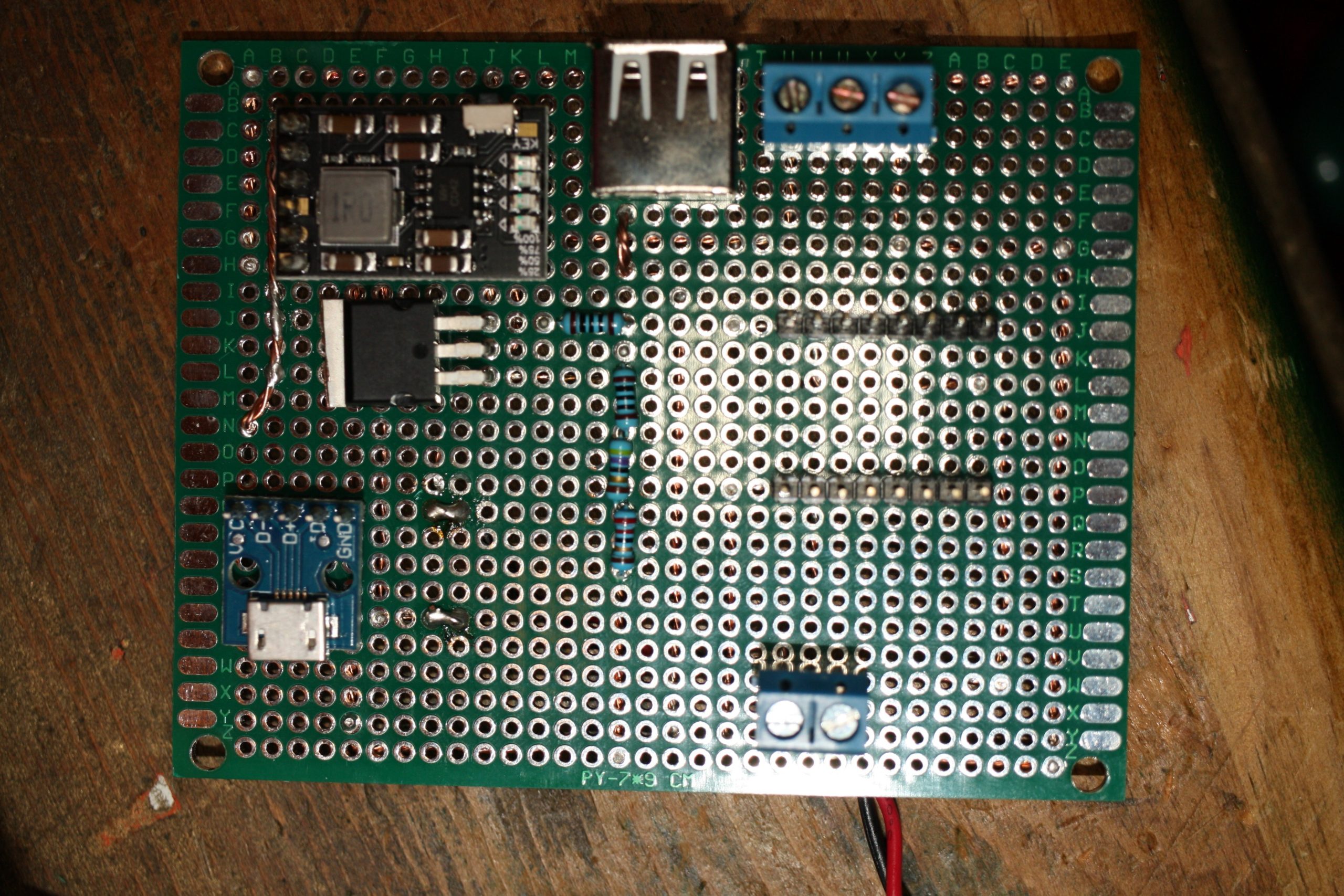
Macro Lens.  Why did I not buy one of these before?  They are super awesome.  I’ve messed with macro tubes, but they don’t work as well as a macro lense does.  I highly recommend buying refurbished lenses and flashes directly from Canon.  They’re a little more (like … $20) then what you would find for used prices, come with a warranty, and free shipping.  I’ve always been super happy with Canon equipment and their repair shop.  Seriously though, is this not gorgeous?  Having a macro lense is great for documenting any of the fiddly things I do, like below.  And honestly, I can see it being “one lense to rule them all” for me.  The kit lens is a close second.
I recently went through an purged my youtube subscriptions.  I think I got rid of half of them – many had been deleted or I no longer watched them.  A few channels to shout out:

  • Andrew Klavan – I love his satirical intros.
  • Marling Baits – He makes fishing baits, and good videos just to have playing.
  • This Old Tony – Dad Jokes and Machining.
  • AVE – irreverant as f*ck.
  • Ivan Miranda – massive scale 3d printing projects.
  • Project Binky – in Colour! Dry british humor, and the only car show I’ve ever liked.
  • Townsends – this man would have killed it on PBS when I was a kid.

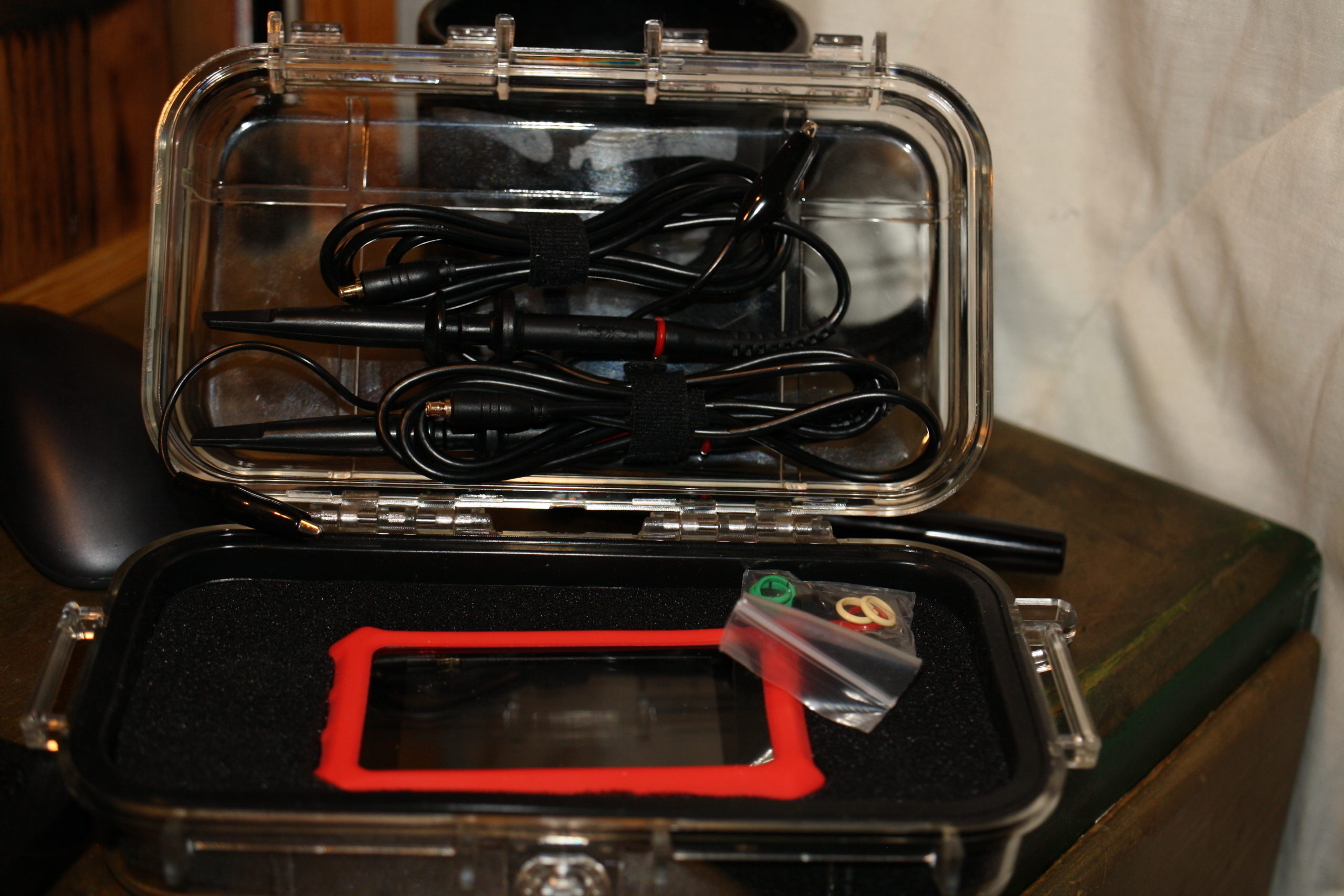
The DS213 o-scope.  Not a bad little device.  Short on features, but for the price tag not a bad deal either.  It let me see some things I couldn’t see with my multimeter.  I have a proper oscope I need to repair, but to be honest I’m scared of the high voltage that’s inside.  I found a drybox case online that holds this and the probes perfectly.  Standard USB charging nonsense.
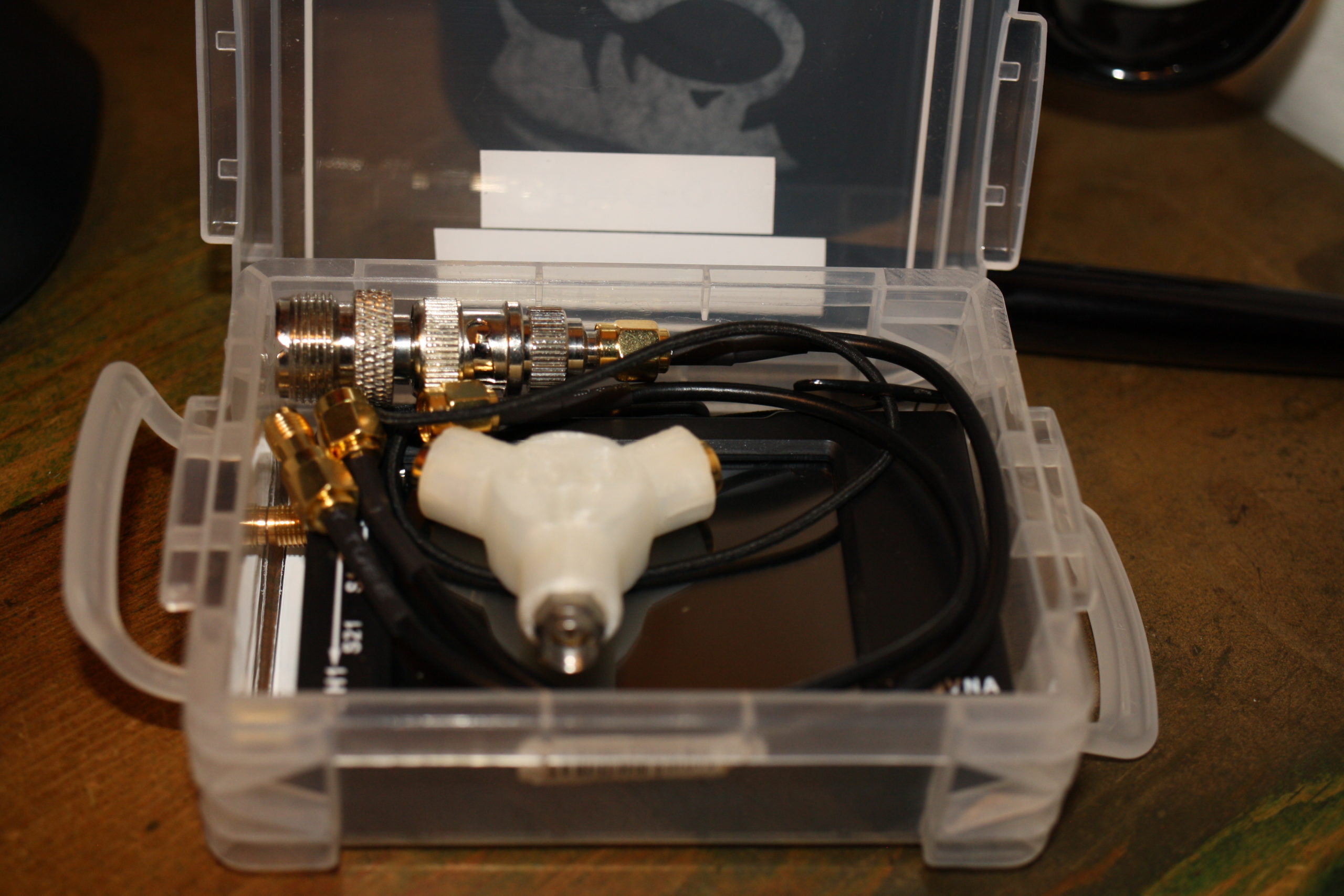
While I’m at it, check on the NanoVNA.  I’ve only really used it for checking SWR but there’s apparently a ton more that it can do.  Here’s my kit, with the adapters I’ll need to get it to work with my equipment.  As big as my go box and antenna setup is, its nice to know I can through this in my messenger bag or goruck with my laptop and be able to make some quick checks.  This does standard usb charging as well but it wants a USB-C cable but doesn’t implement the fast charging spec.  A waste.
Other Life Stuff

Still need to get digital working in my go box.  Hopefully taking the time this week to put my HF rig on a dummy load and do the experimenting that I need to do.

I could really use a vacation.  Somewhere tropical, sunny, and hot would be nice.  Maybe via a cruise ship?  Prices went through the floor now …..

Mentioning drones and how its not really something, I’d really love a Yaesu FT-818.  Oh well, I probably wouldn’t use that either.

In Closing

Rock on folks.  I’m going to peace out for a bit.  Hope you enjoyed the randomness presented above.

RetroPie Scripts

Make a folder in the RetroPie roms directory called “bash” – mkdir -r ~/RetroPie/roms/bash

Copy over bash scripts. I have scripts for enabling and disabling the wifi adaptor, as well as using rsync across my LAN for rom directory syncing

Copy bash-mod/configs/bash into /opt/retropie/configs/

Copy over bash-mod/theme/bash into /etc/emulationstation/themes/carbon (or whatever theme you’re running is)

sudo /etc/emulationstation/es_systems.cfg and add the following code to the <systemlist> tree:

						<system>
							<name>bash</name>
							<fullname>Bash Shell</fullname>
							<path>/home/pi/RetroPie/roms/bash</path>
							<extension>.sh .SH</extension>
							<command>/opt/retropie/supplementary/runcommand/runcommand.sh 0 _SYS_ bash %ROM%</command>
							<platform>bash</platform>
							<theme>bash</theme>
						</system>

Restart Emulation Station

bluetoothdown.sh

#!/bin/bash

sudo rfkill block bluetooth

bluetooth-up.sh

#!/bin/bash

sudo rfkill unblock bluetooth

wifi-down.sh

#!/bin/bash

#sudo ifconfig wlan0 down
sudo rfkill block wifi

wifi-up.sh

#!/bin/bash

#sudo ifconfig wlan0 up
sudo rfkill unblock wifi
Yet Another (Clever) End Fed: AKA The Slinky Antenna

My first antenna was a simple wire dipole that I carefully measured and built as a linked dipole system so I could work multiple bands (remember that an antenna at resonance both transmits and receives energy better then one “matched” with a tuner). My first solo field day, I found out how well dipoles work when tuning to a different band (they don’t) and how troublesome it could be to mess with an erected antenna (I improvised a mast, and then had to improvise get the legs of the dipole out).

The next antenna I built was based on the W4KGH end fed antenna.  Measure and cut wire, wound my first unun and then off I went with my go kit (a Yaesu 857d and MFJ-929 tuner with a cheap computer PSU to power the rig up) up to a friend’s cabin in Wisconsin. Hoisting this antenna was much easier as I only need one friendly tree and ended up with a basically a sloper antenna.  I was able to cross bands easily and heard a few people working the Colorado QSO Party over that Labor Day and tuned in a Number Station as well.

The end fed antenna was employed again at my Ham Club’s 2018 Field Day where I realized that the noise I thought was from my location in Wisconsin was likely from the power supply I was using. I also struggled to get it to tune on the lower bands. Hoisting was troublesome and while I had a friendly “tree,” I was barely able to get set up.

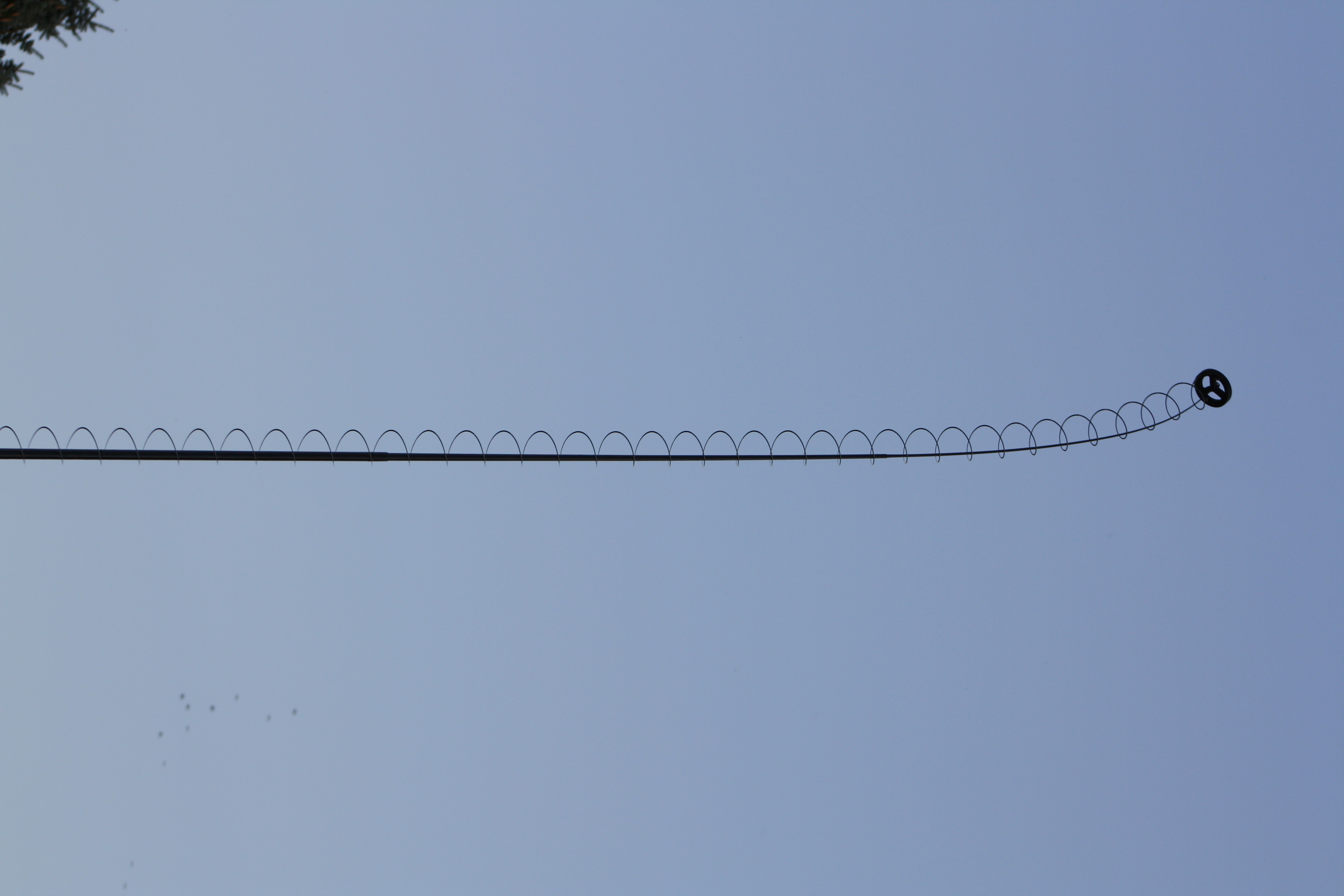
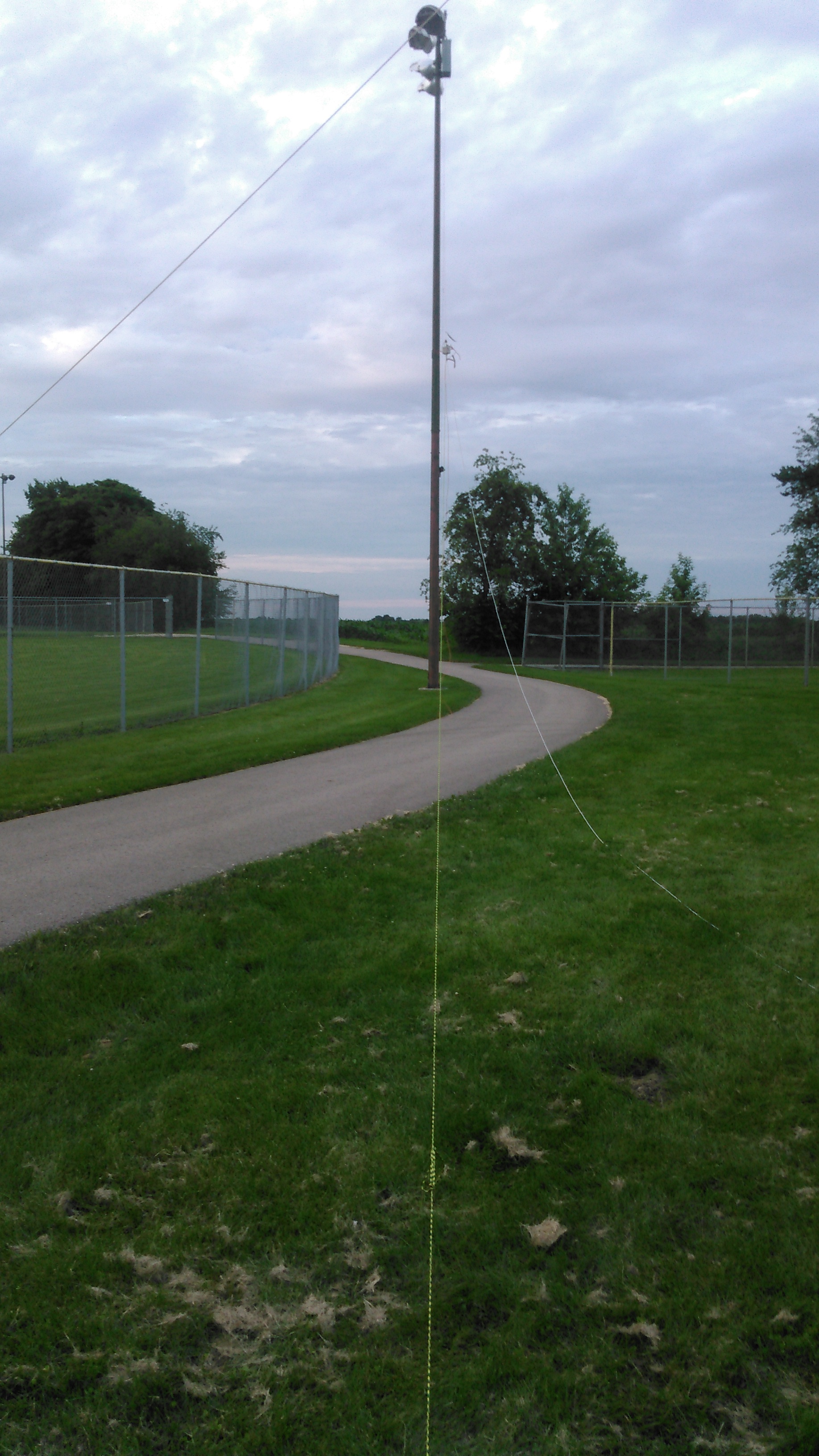
I’m a member of a Ham Radio Go Kits on Facebook, where a member posted of a slinky end fed on the group.  Using a slinky as a radiating element isn’t really new.  When I first started my journey as a ham, I ran across the Slinky Dipole and there was mention of the slinky endfed.  What appeals to me the most about the design is the “mast” that supports it.   A simple 20′ shore pole in the center of the coils of the slinky is all it takes

Credit where due

Due to the fact that I live in a HOA (the bane of hams) I can’t hoist an antenna permanently.  There’s also a dearth of the required “friendly trees” in the area.  I can get this antenna set up in under 10 minutes.  Tear down is 10 minutes as well.  This means I can spend more time operating then putting nonsense up in a tree.

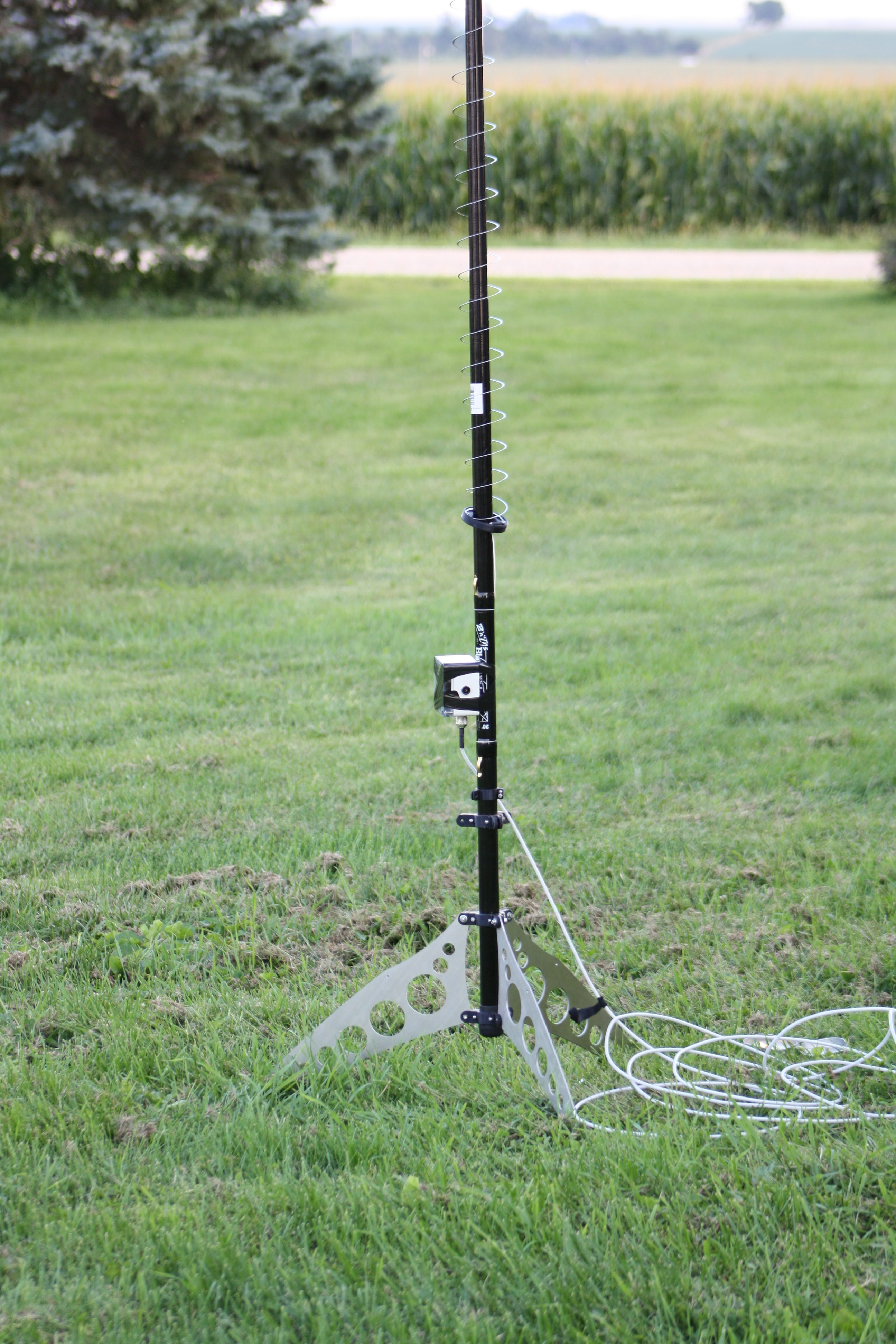
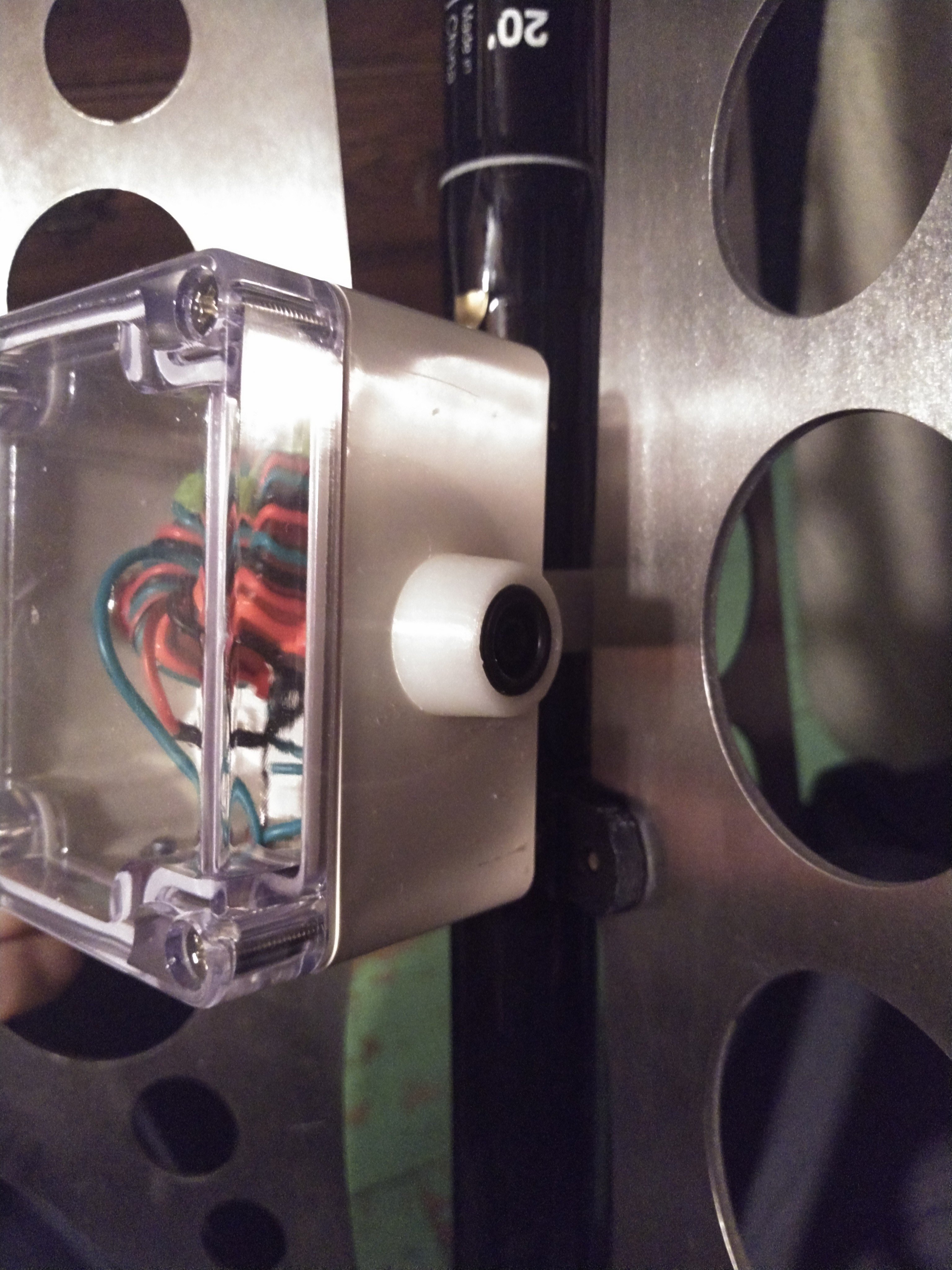
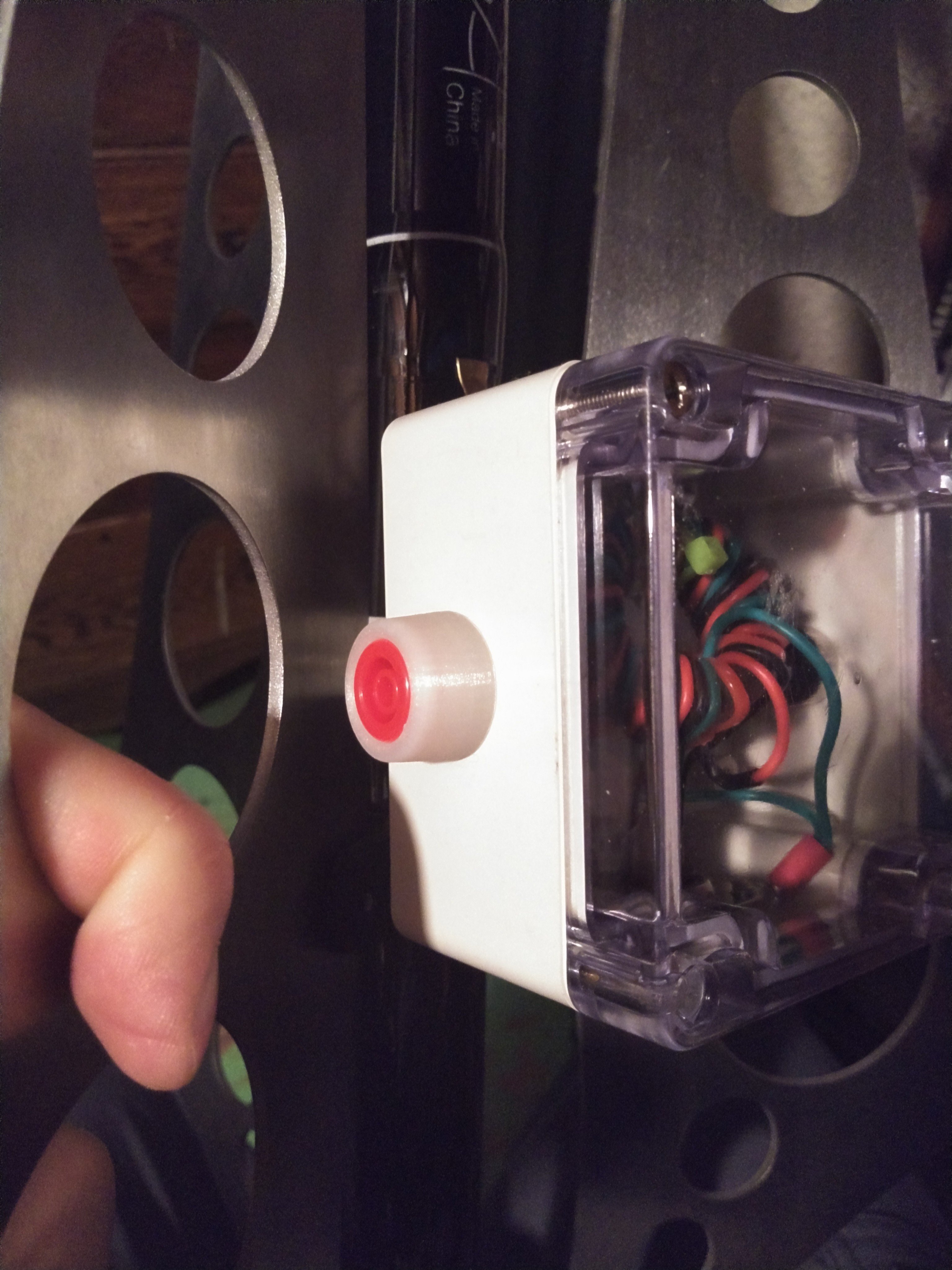
This picture was taken before I had completed the mounting horn for the match box.  Before I talk about the design exhaustively, let’s talk real quick about how well the antenna does as far as SWR is concerned.  Ironically enough, the only portion of the band that this doesn’t need a tuner is for 2 meters!  Below is a table of 4 SWR sweeps of the antenna.  I swept the entire spectrum with a single single with and without a counterpoise and a double slinky (two slinkys I soldered together) again with and without a counterpoise.  Generally a single slinky without a counterpoise is the winner, except for a few flukes.  Overall, for field deployment I’ll bring a single slinky and the counterpoise but not bother to put it on.  For 40m and up, this generally presents less then 7:1 SWR.  If 80m is my goal, I’ll put the double slinky on and go.

Unlike my last two projects with picture ad nauseum, I’ve picked a small subset for your viewing pleasure. Here’s the CAD profile of the legs for the stand.  These were cut with a water jet from 14 gauge stainless steel.  The circles within the leg are to reduce the overall weight of the leg.  The notch at the base of the leg allows me to easily stake each of the feet.  Some would argue that its to heavy for the application, but the extra weight helps keep the antenna from tipping over without the stakes.  I think its a good balance.

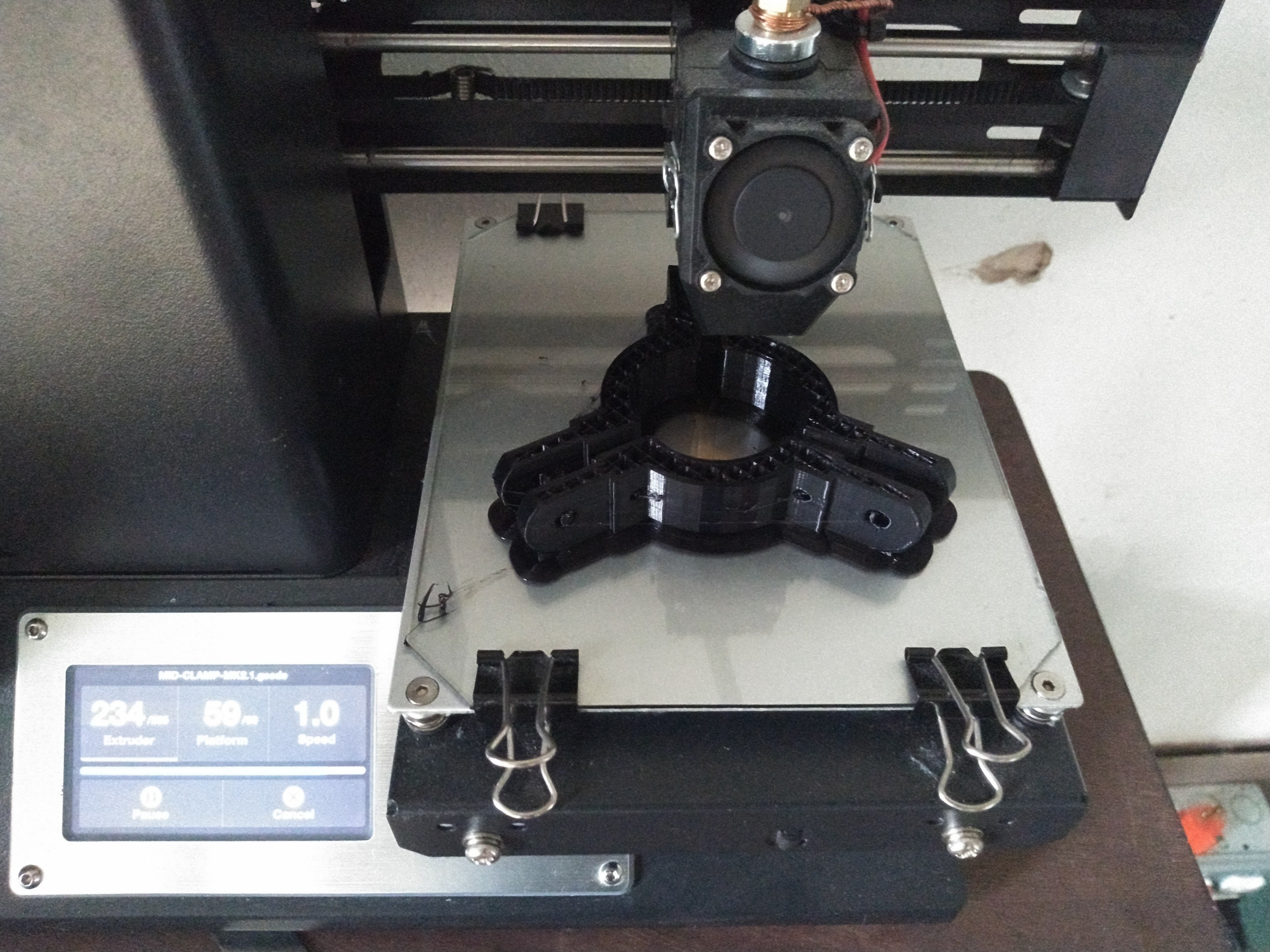
The clamps that hold the legs to the shore pole are 3d printed – as are many other things within my ham radio world.  There’s some 3m double stick tape to keep them in place.

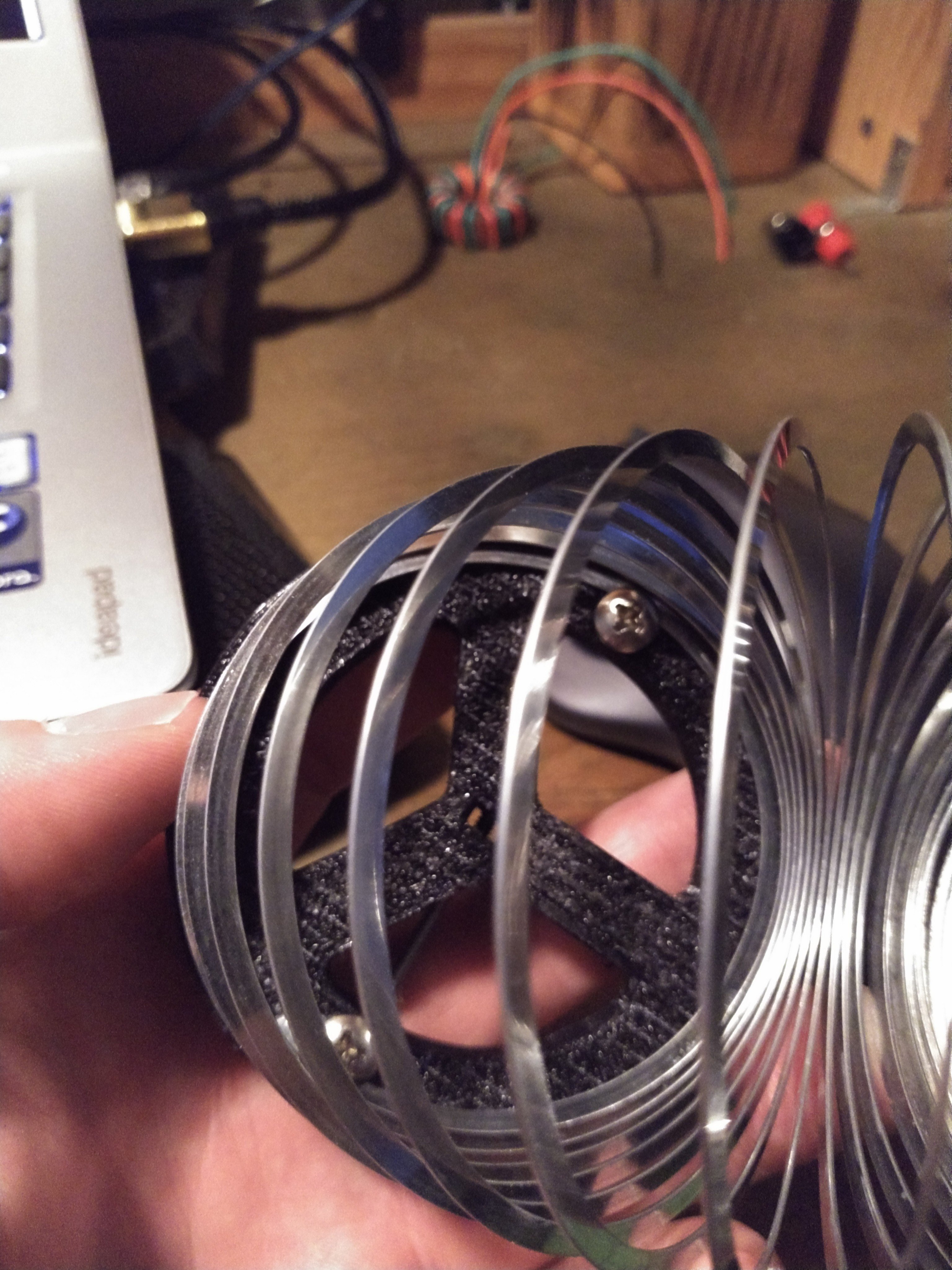
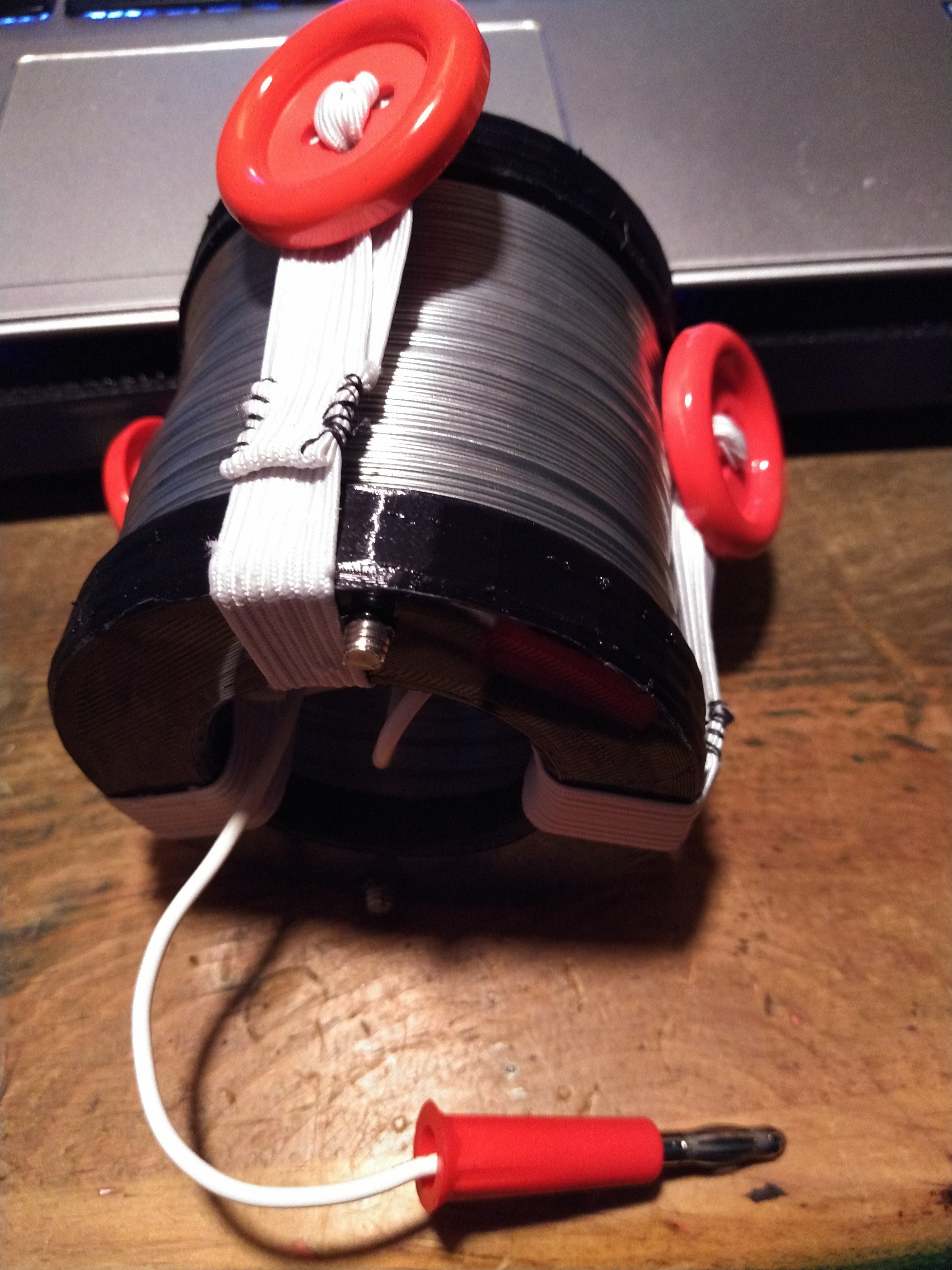
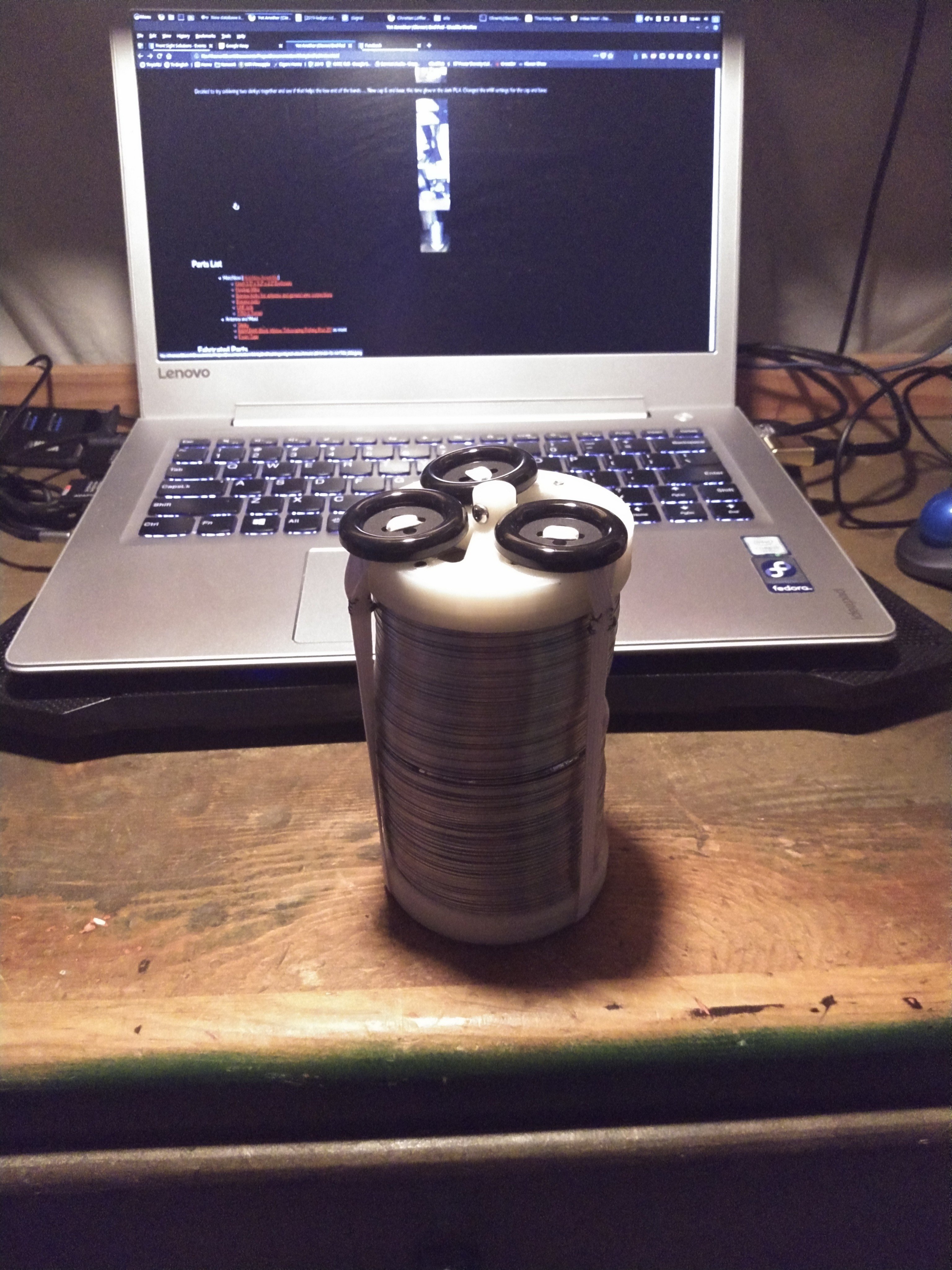
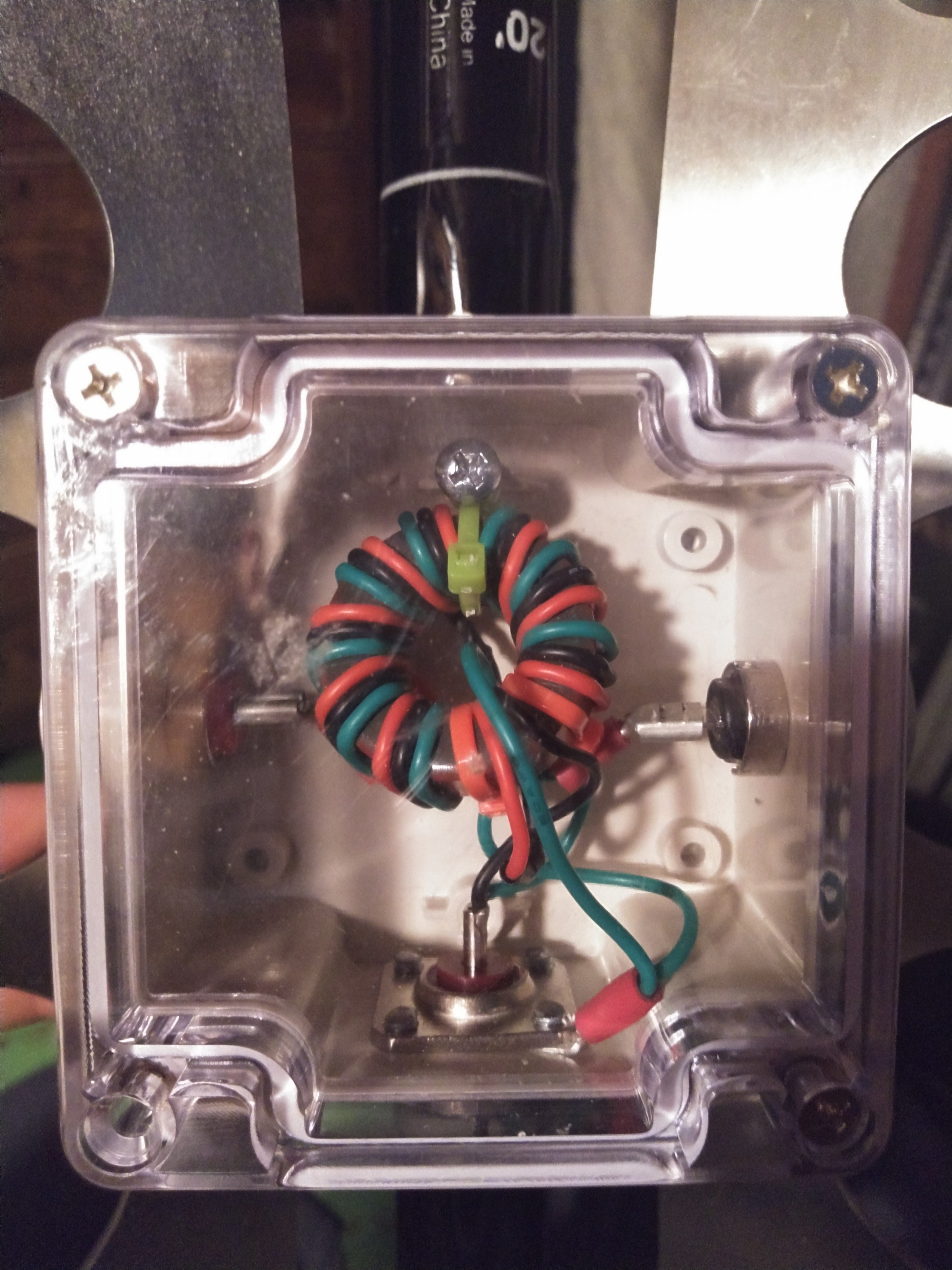
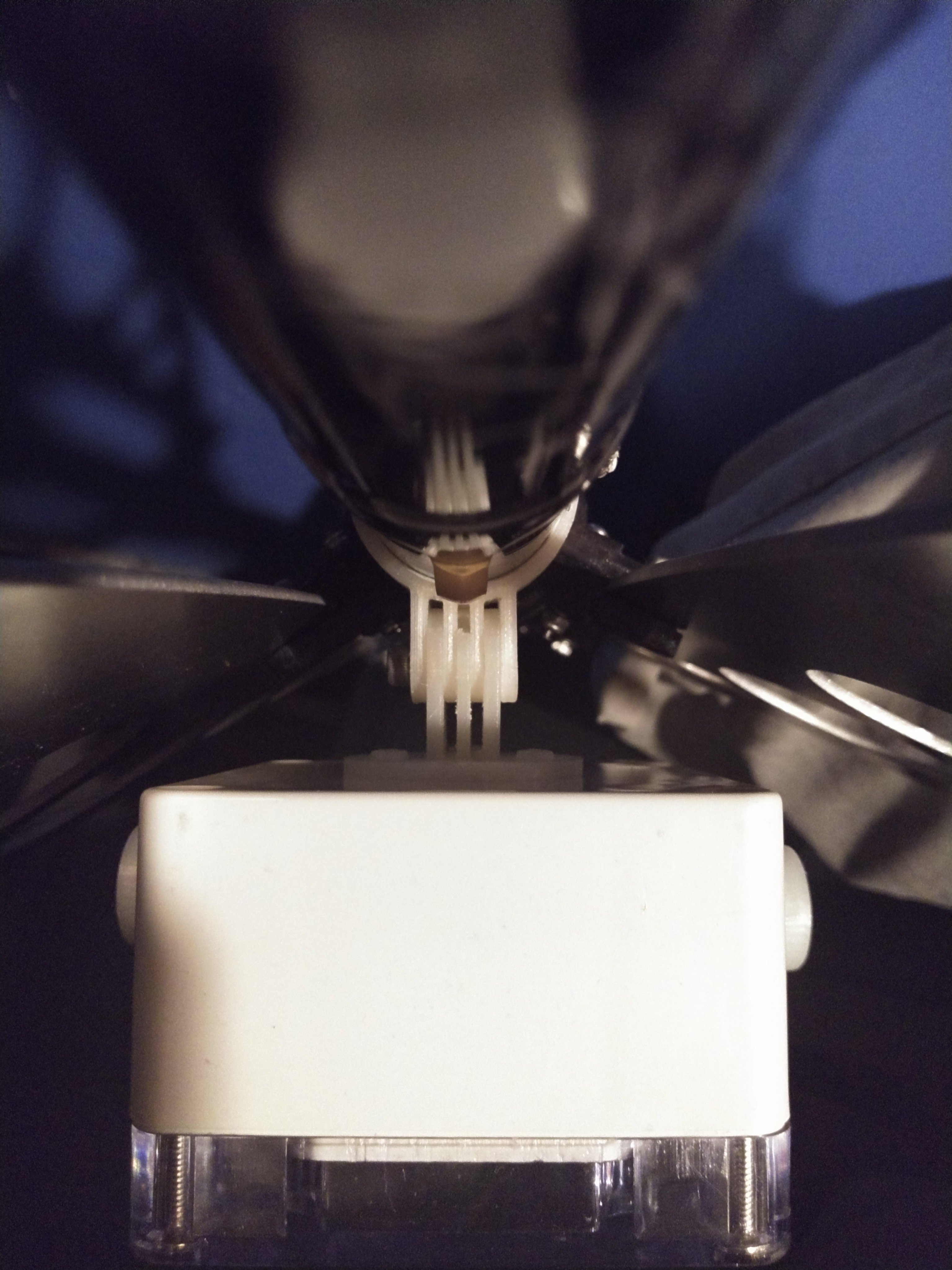
I designed the legs to pivot about the middle clamp so the top hole is drilled to provide clearance for the 8-32 bolt and lock nut that keep them in place.  The top and bottom clamp keep the legs in place.  For these clamps, the legs are tapped instead.  The leg flips to either the deployed position or stowed and an 8-32 bolt is threaded through.  This means that I don’t have to muck with a small fiddly nut in the field.Shot of the “clamps” being printed on my monoprice.   A few shots of the slinky.  One showing how the caps are attached to the slinky, and then a full profile of the single slinky and the double slinky.  I made small retaining straps using elastic and large buttons.  The wire coming out of the bottom is to connect the slinky to the match box.  I did the same sort of arrangement on both stacks of slinkies. Honestly, you don’t need to make it this complicated (in the video up top a simple lanyard clip is used but I always over complicated things. The matchbox.  The banana jacks ordered were to long and were almost touching each other.  I 3d printed some stand offs to try to clean this up.A shot of the mounting horn on the match box.
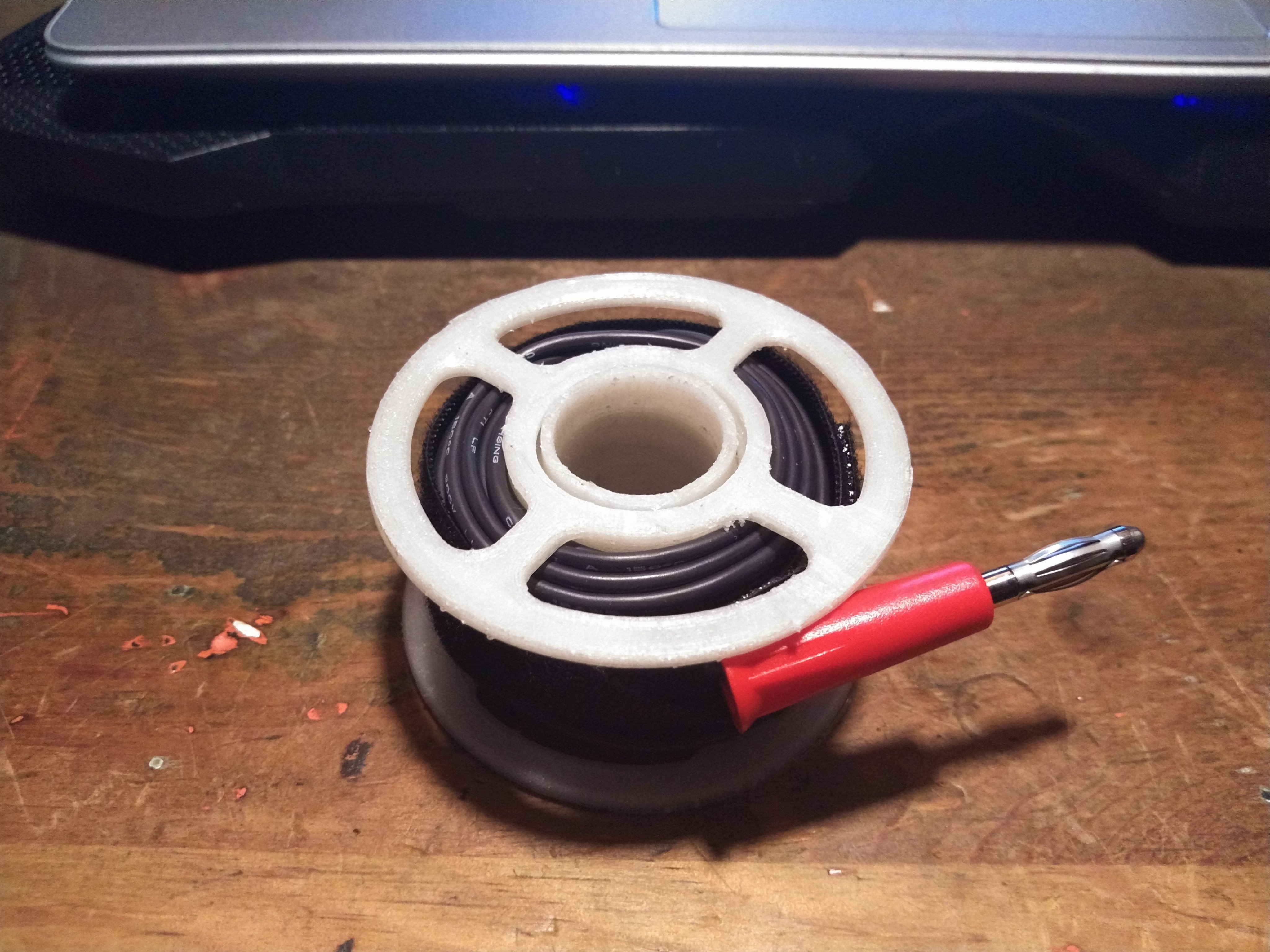
Found a neat spool on Thingiverse for the counterpoise wire (which per the above table isn’t generally needed).  Printed at 50% x & y, 75% z.


Shack-In-A-Box Mk2 Upgrades: Dimmable Lights, Fans, and Digital Comms

I came up with a few upgrades for my shack in a box:

  1. Integrate a set of Powerpoles into my Samlex power supply for a more aesthetically pleasing connection in the back.
  2. Add speed control/dimmer systems to the fans and lights so that I could control their intensity
  3. Mount my Signalink Digital Interface

These were all a result of working with the shack in a box over the last year. I was hoping to be done in time for the 2019 Field Day but with only one or two days on the weekends I wasn’t able to complete everything in time.  In my defense, the weatherman had predicted 2 days of thunderstorms straight, which is not quite agreeable to electrically charging long metal poles in the sky so I finished up my work on the shack in a box instead. The documentation below is roughly linear.

Build

Wire Guides, Redone

I knew the pwm modules I selected (more later) would require fitting a total of 10 new wires into the existing wire guides. The black ones designed in 2018 were filled to capacity, so I designed and printed some new ones. These were designed as two piece assemblies held together with #2-56 screws. By making the top removable, I saved myself recrimping all the spade connectors for the control panel as well as keeping having to keep the wires straight during reassembly.

Samlex SEC-1235 Anderson PowerPole Mod

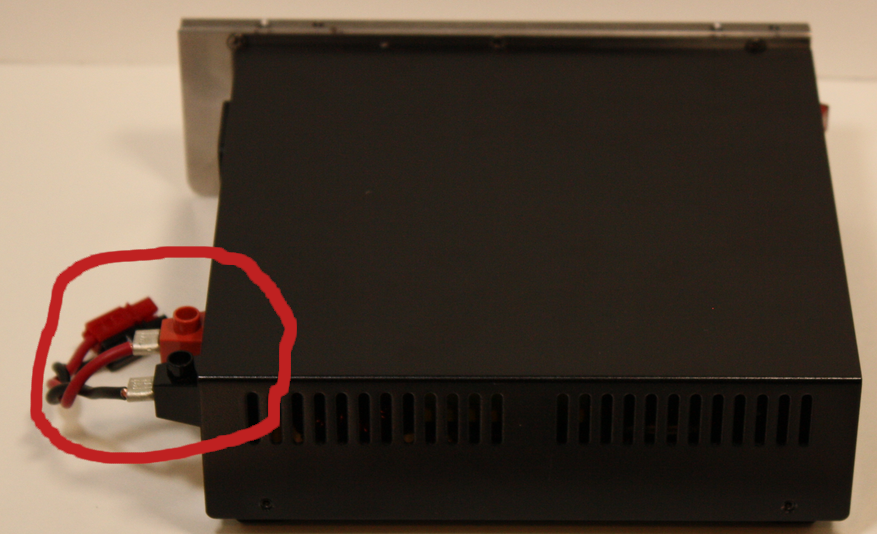
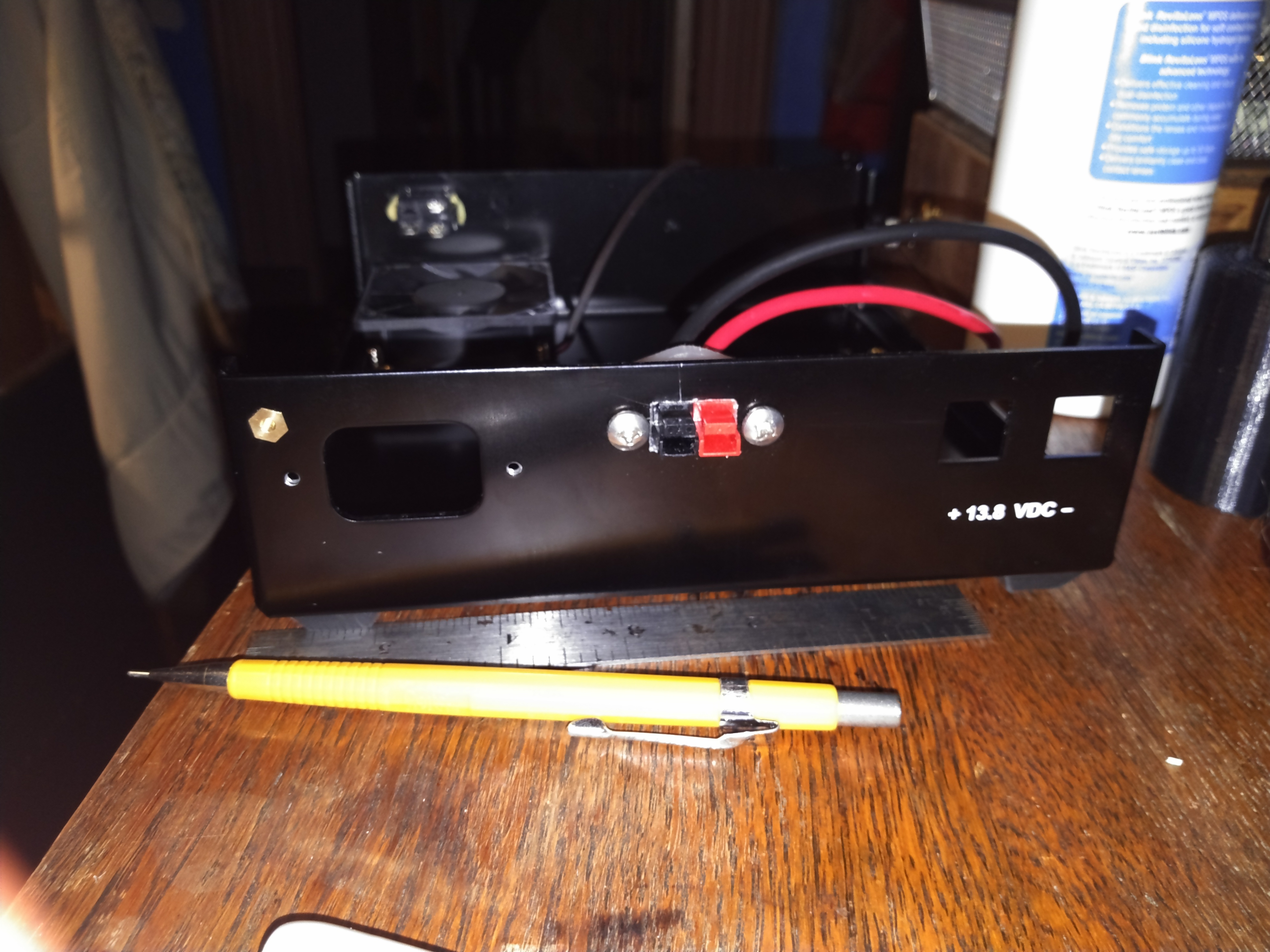
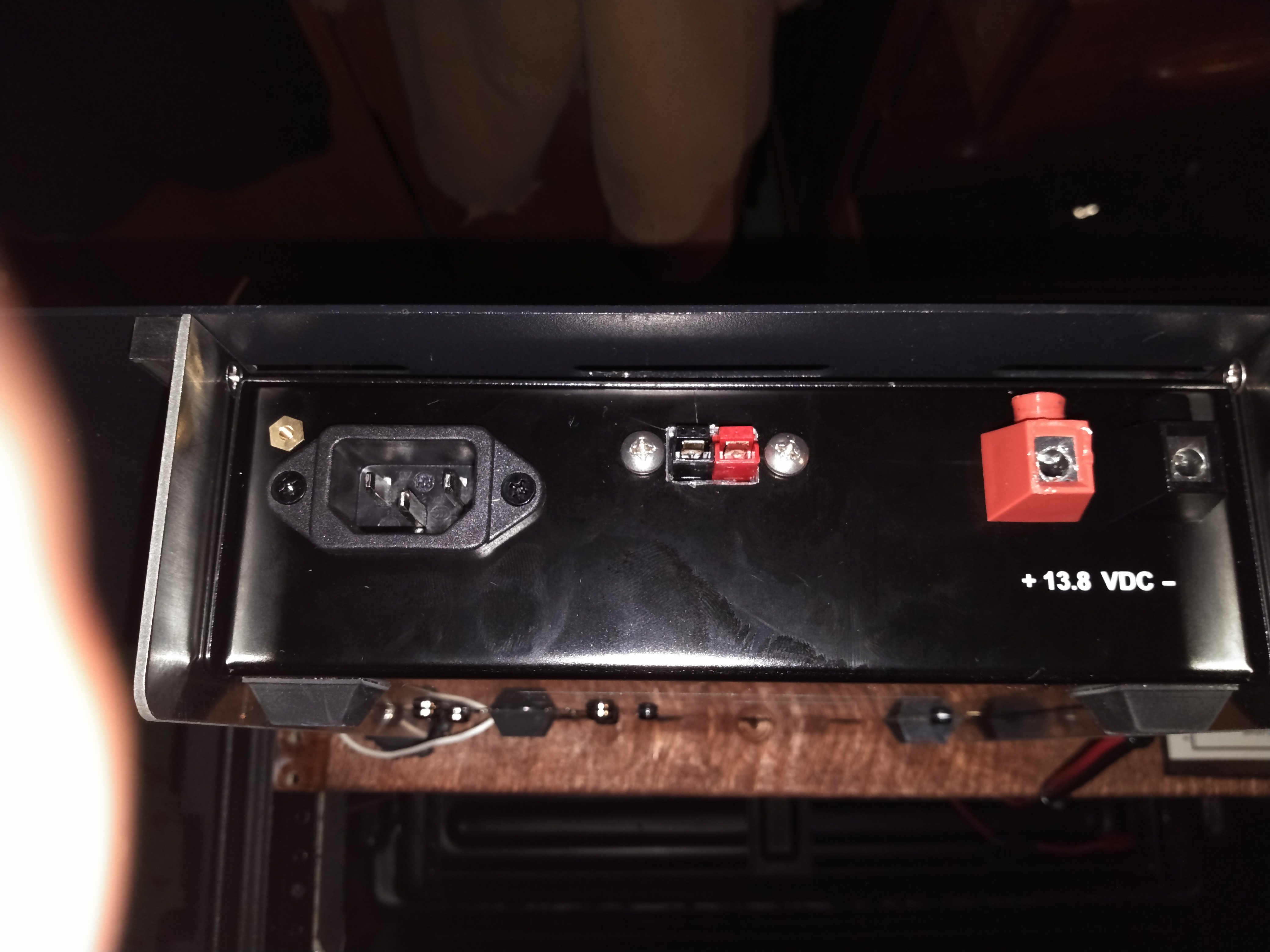
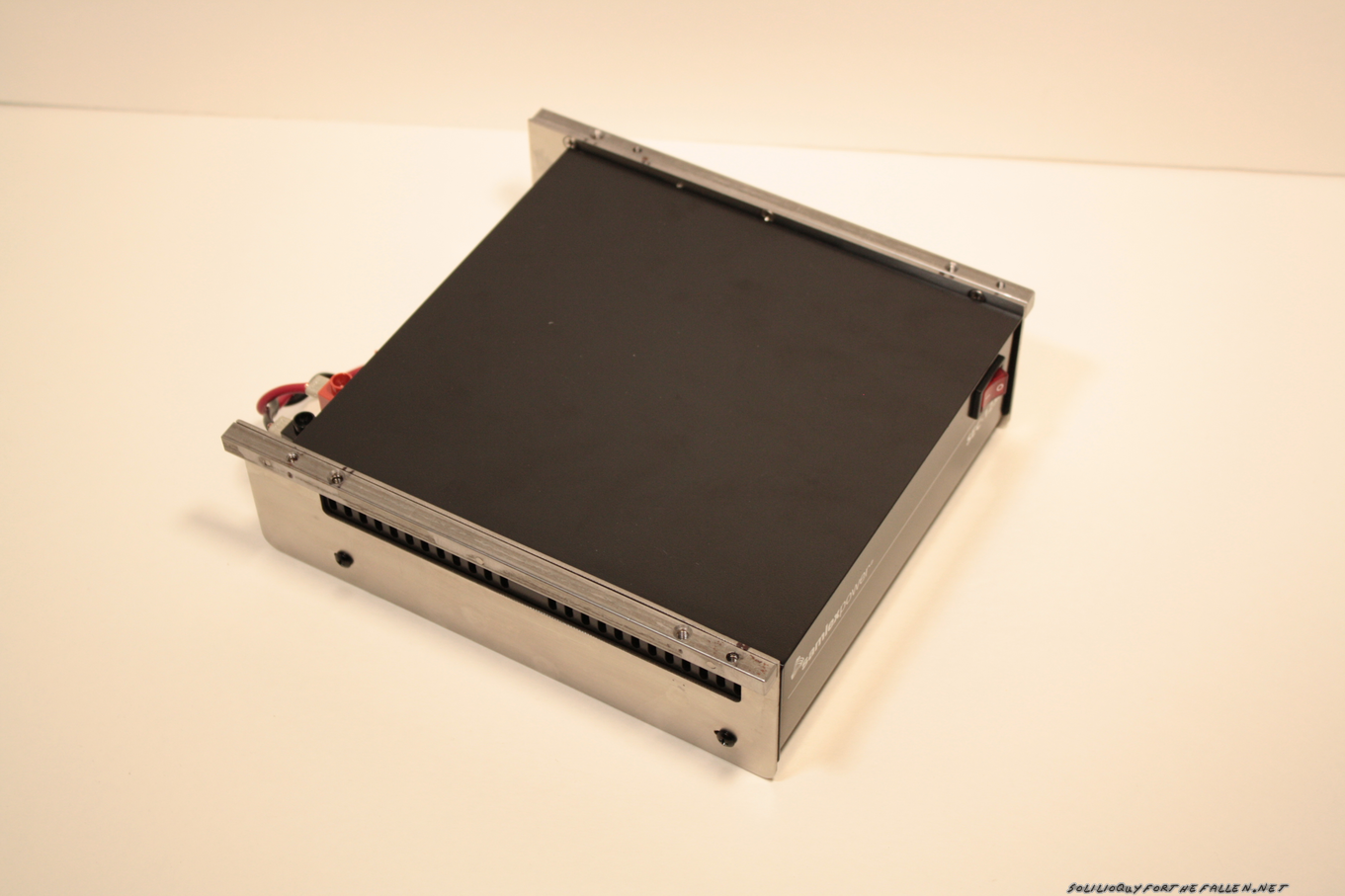
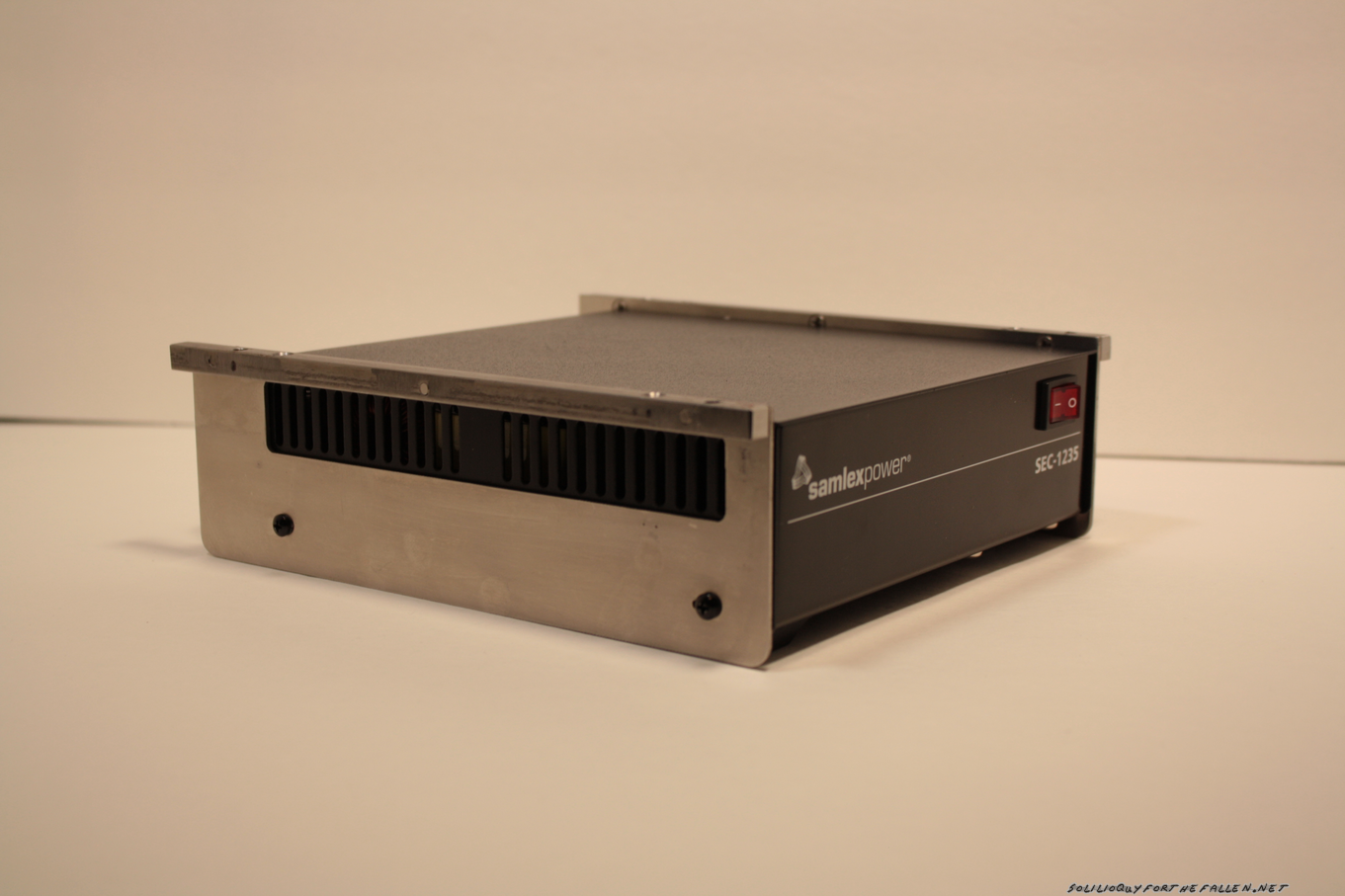
Anderson Powerpoles are the defacto standard when it comes to amateur radio power connections.  My “main power feed” into my fused distribution box has powerpoles at the end.  This makes it easy to swap my “feed” between the on board Samlex SEC-1235 or off board batteries or other power sources.  Instead of the ugly “rat’s tail” I had rigged when I first mounted the power supply in November, I wanted to add integrated a set of powerpoles to the onboard Samlex SEC-1235 so it looked like it came that way from the factory.

Bah!

First, I opened up the samlex and pulled the guts out.  Since I would be cutting and filing, removing the internals completely was the easy way to make sure that nothing was fouled as a result. Hardened Power Systems offers the Anderson Autogrip. The idea is to press fit in the powerpoles and have a nice, clean presentation. I mounted them on the autogrip on the inside of the case to further clean the appearance.  The horizontal alignment was picked by finding a free space inside the case before I removed the circuit board and marking it with a sharpie.

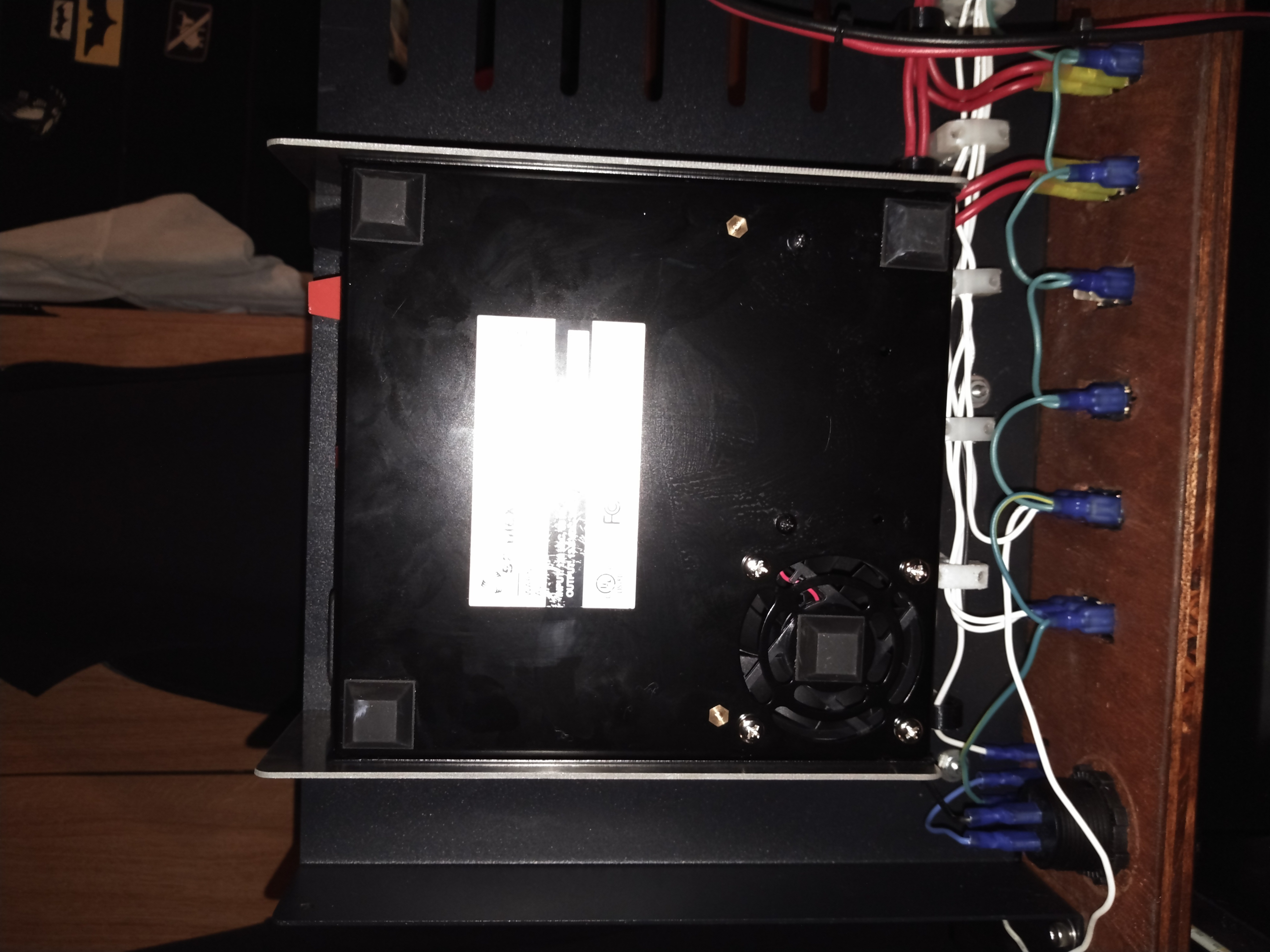
After getting the powerpoles into the autogrips and then I reassembled everything and put it back in my mounting rack.  Originally, I intended for the samlex to tuck fully inside and under the bottom shelf.  However, I had some empty wire guides that stopped the samlex from being able to mount that deeply.  While I was swapping to the larger, two piece design I removed the additional wire guides I wasn’t using from the shelf.  This gave me the extra depth I needed to fit the samlex under the shelf, as deeply as I would have liked to originally.

Mounting the PWM Modules

The primary reason for pulling the shack in a box apart this year was to add a way to control the speed of the fans and the brightness of the lights.  I bought some bare PWM Modules from Amazon, knowing I could design and 3d print cases. The legs on the top hold the module down inside of the case.

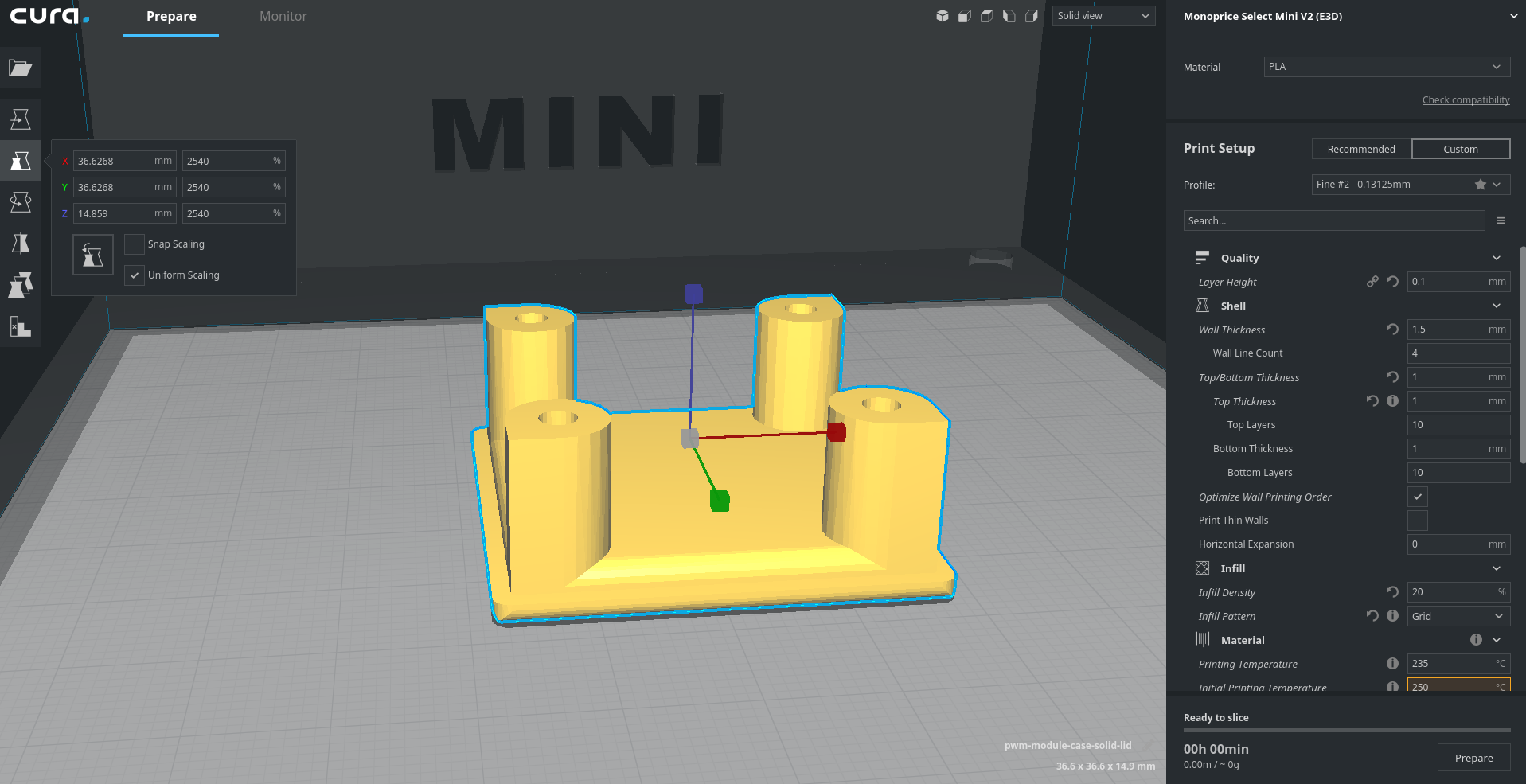
The cases were designed to also mount the PWM modules to the bottom shelf with a pressed in 8-32 nut. I thought that I would need to hold the lids on with 4-40 screws and included the holes and nut mounts but later decided that the fit was tight enough that the 4-40’s were not needed.

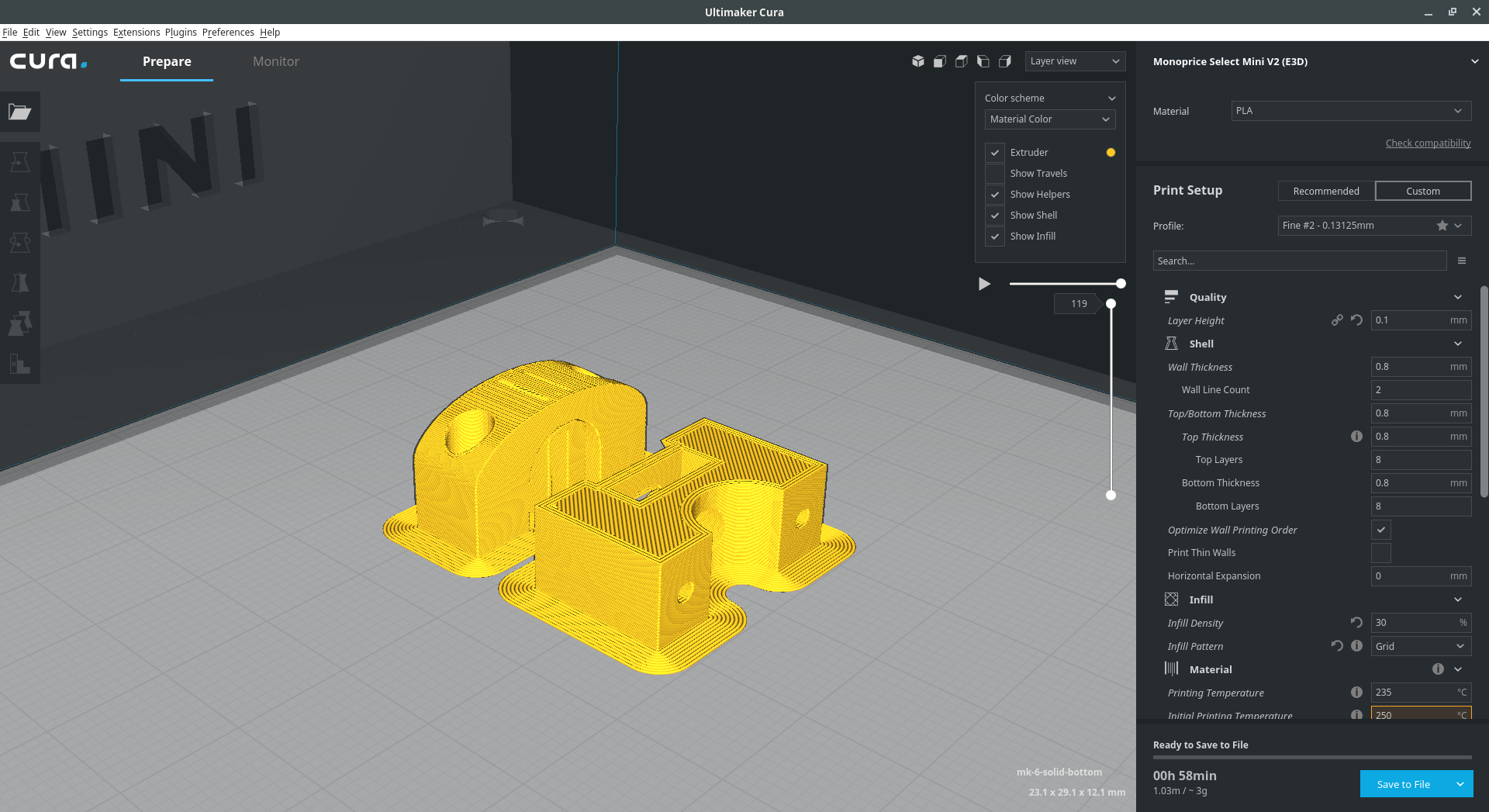
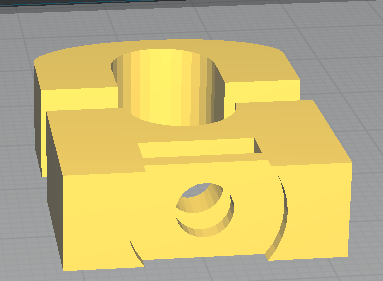
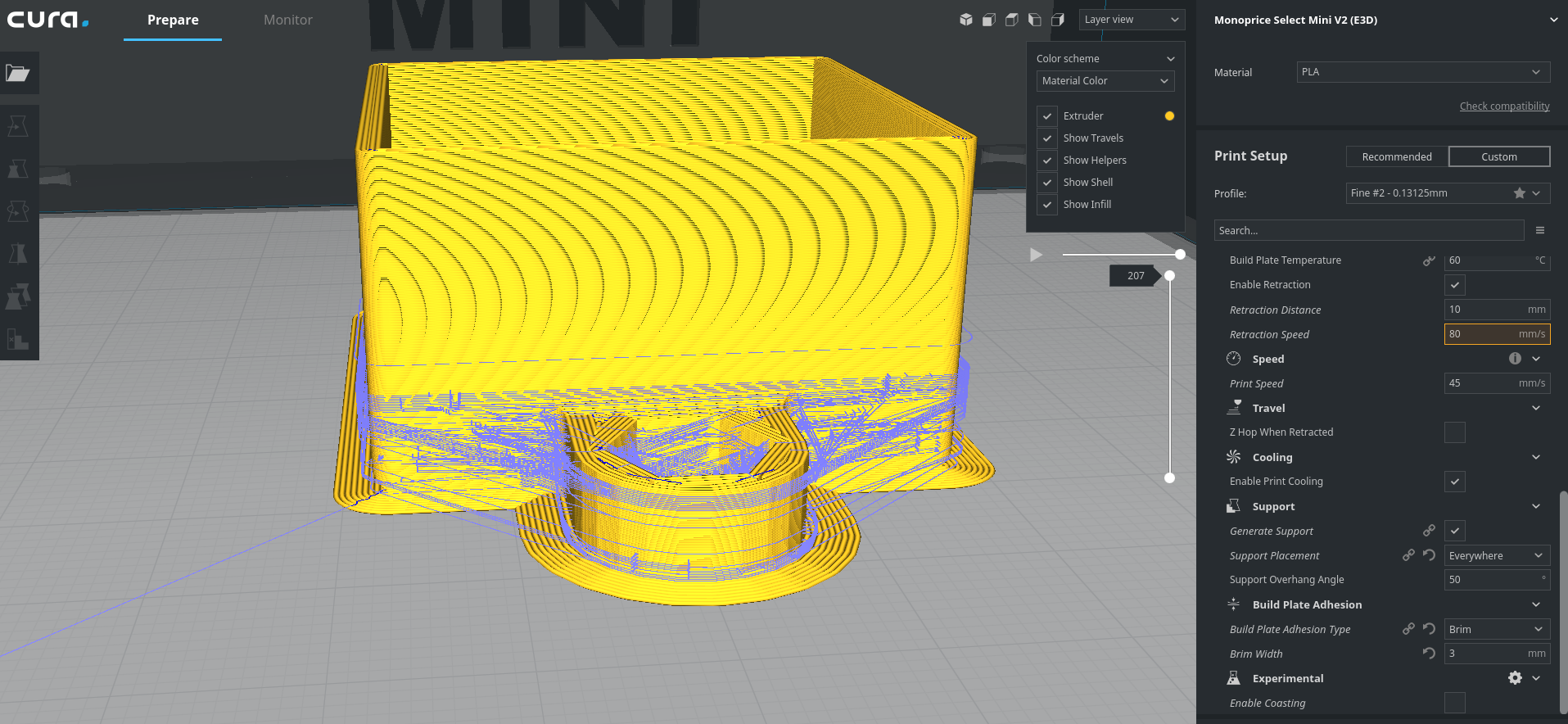
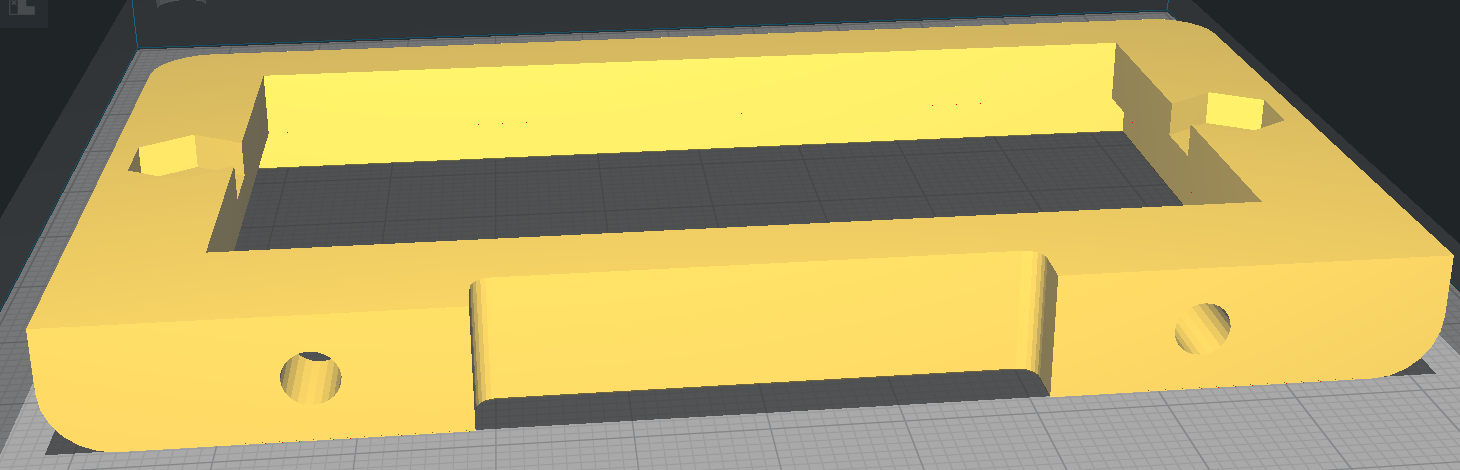
Here is the cura rendering of the box and then lid.

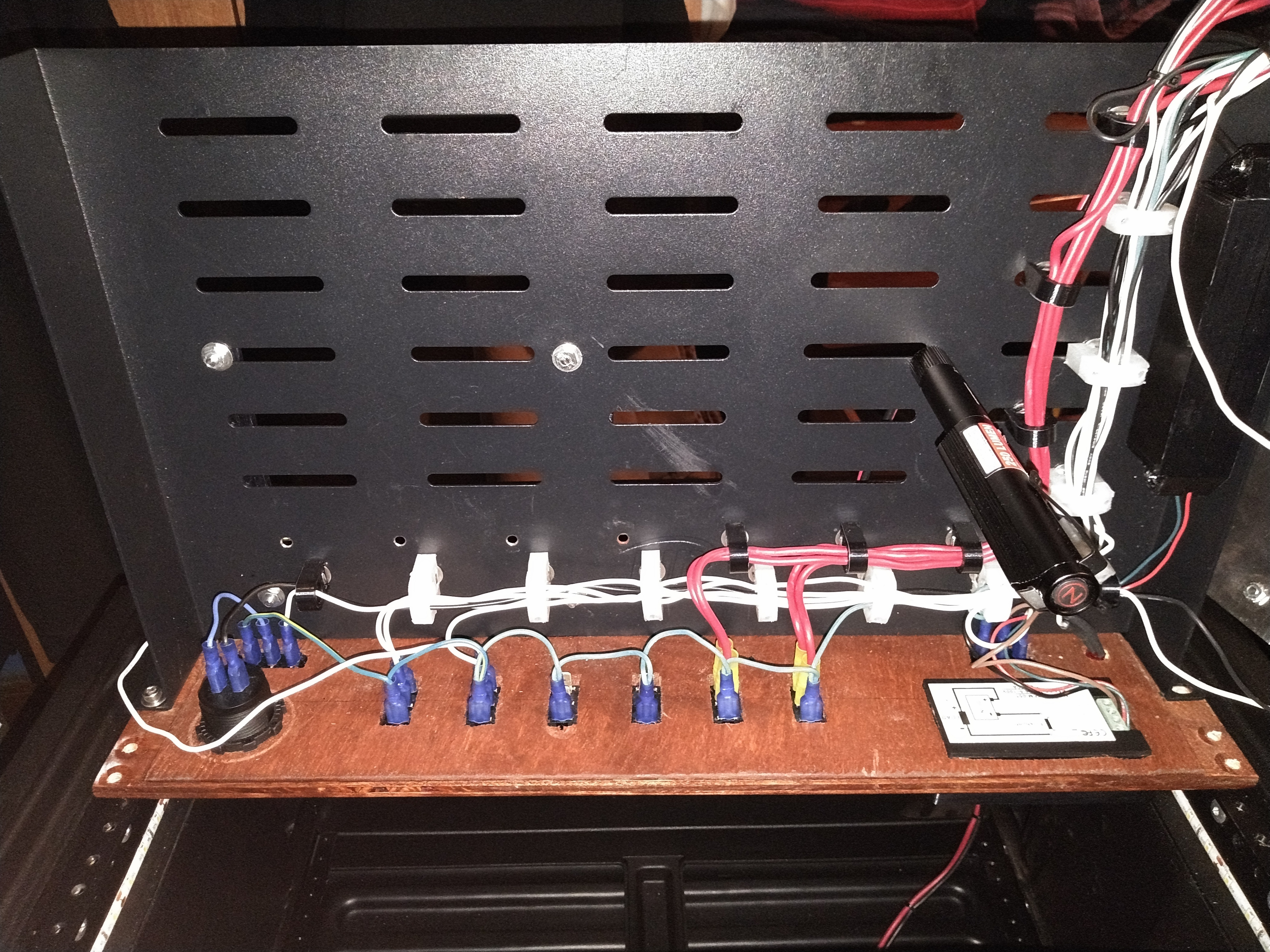
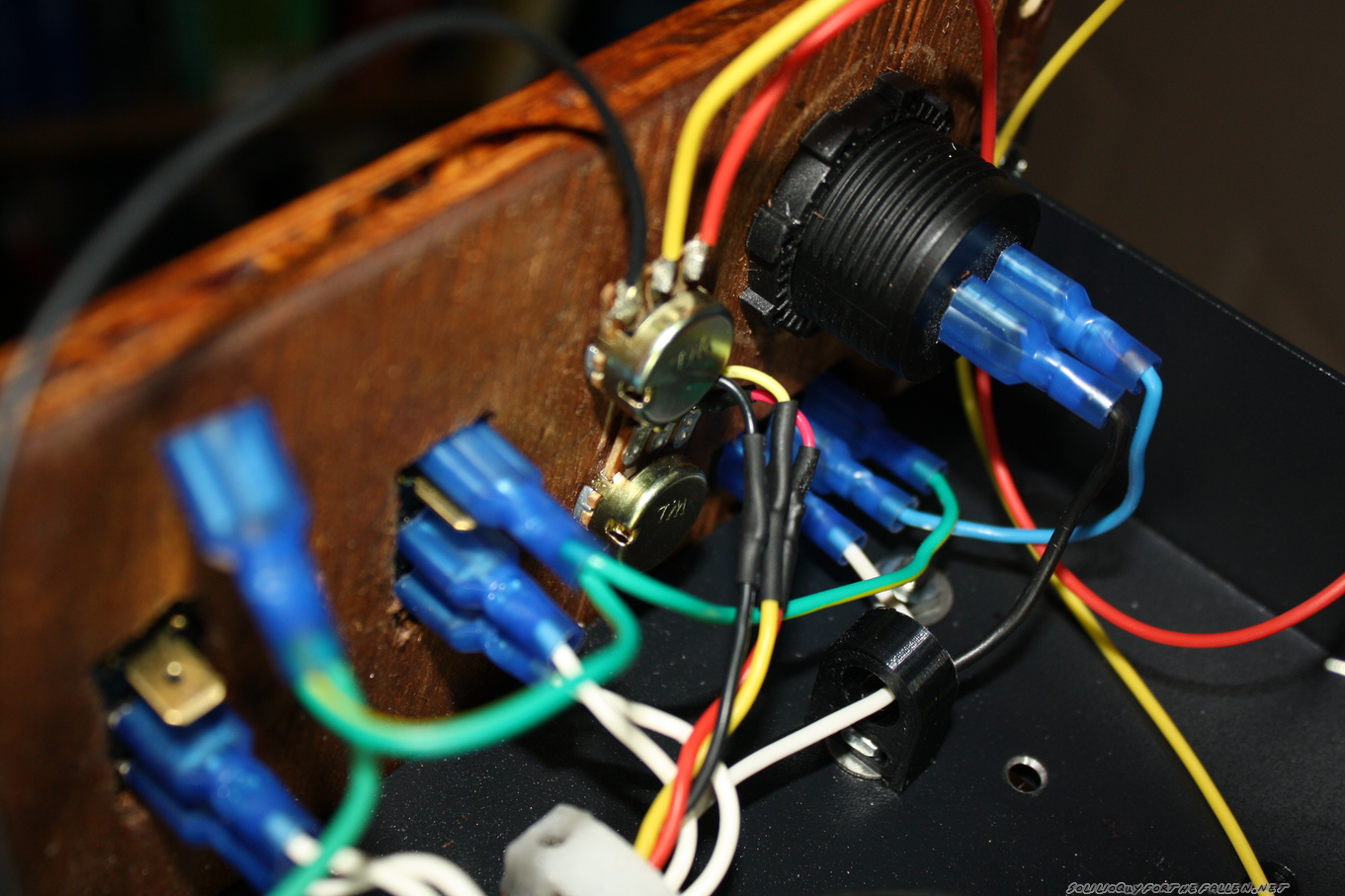
Mounting these was a relatively simple affair, as was connecting the wiring.

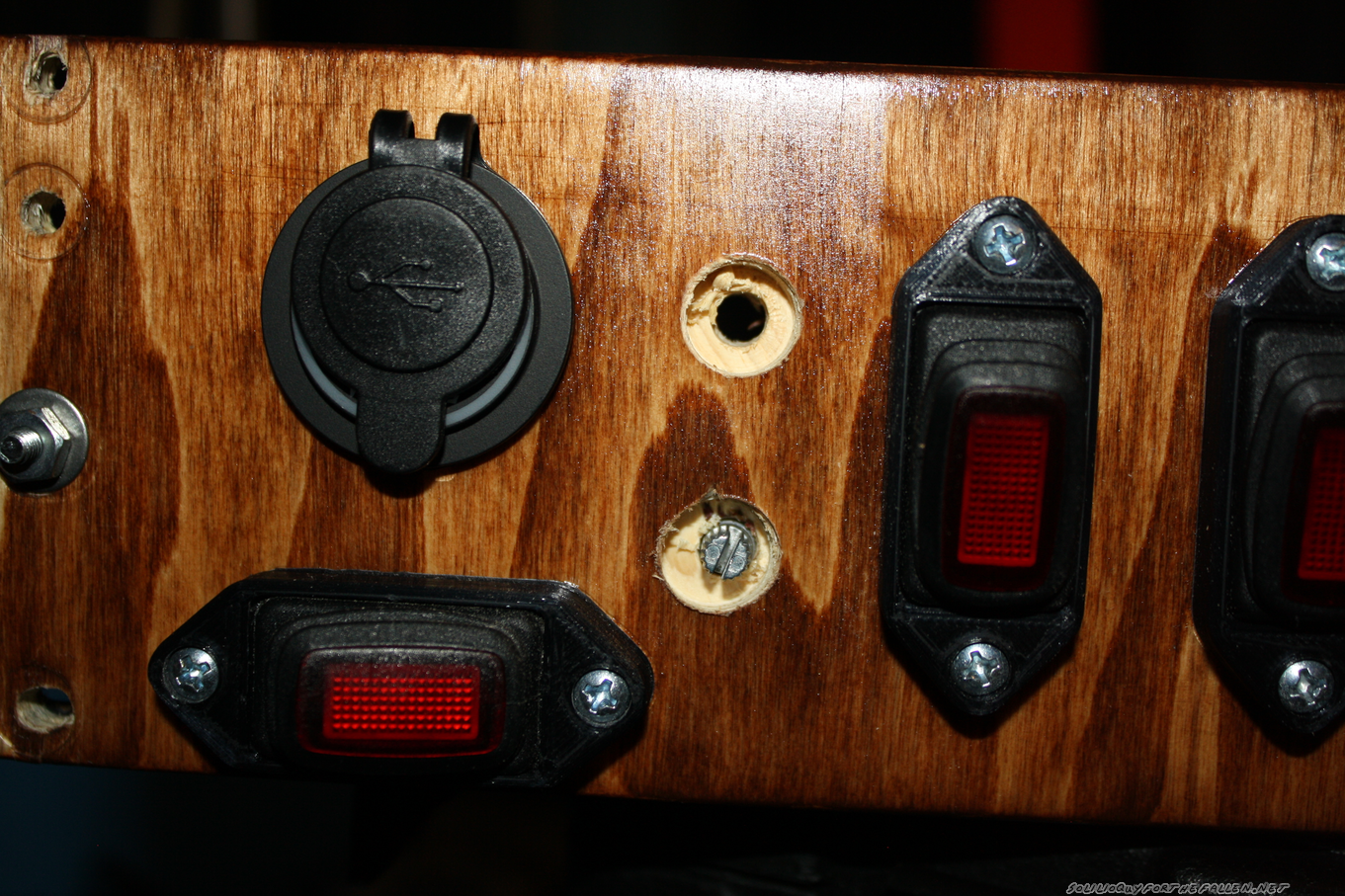
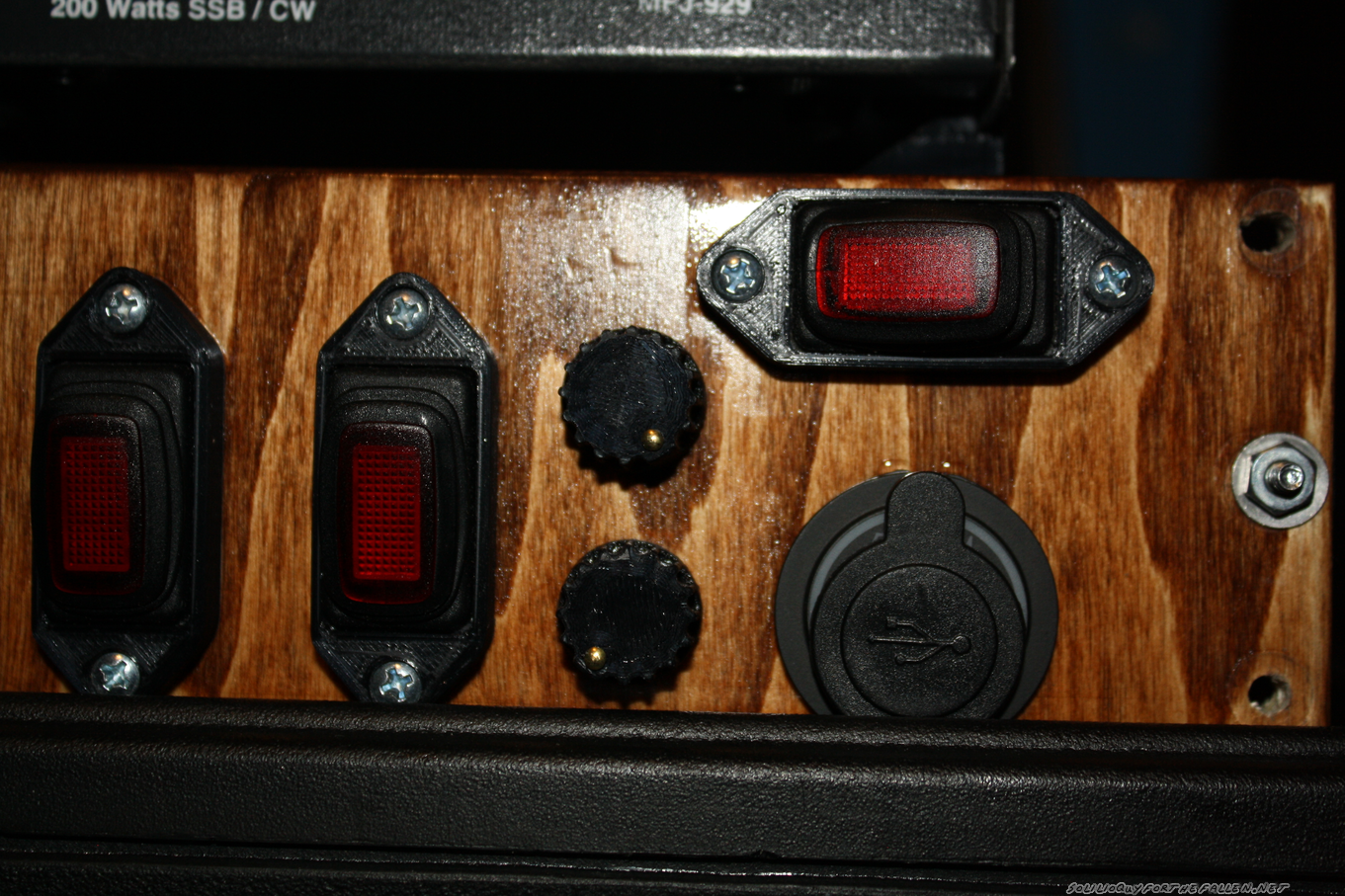
Then I needed to mount the rheostats on the control panel for access. I placed some masking tape on the control panel, then put double sided tape on the knobs. I then test fit where the knobs looked the best, and I ended up centering them between the last switch and the USB outlets. I drilled two small 5/32 holes to mark where the knobs would be.

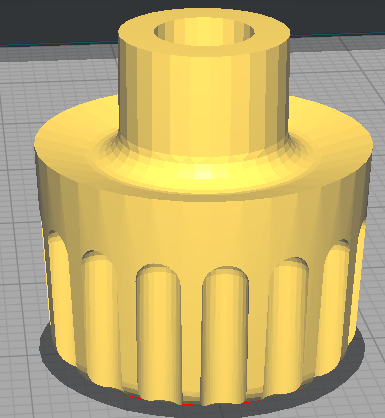
The 3/8″ plywood I used for the switch panel was actually as thick as the overall length of the thread and shaft for the rheostats.  To make it work, I drilled out the front side with a 1/2″ forstner bit.  I need to make some new knobs that would “hide” the deep 1/2″ hole I’d drilled.  A nice, chunky, friendly knob was designed. A small hole was added so that I could press in a small brass brad nail to indicate the position.  The size of the knob hides the 1/2″ hole I drilled, and has a shoulder that presses neatly onto the rheostat’s shaft.

Mounting the Signalink Mount

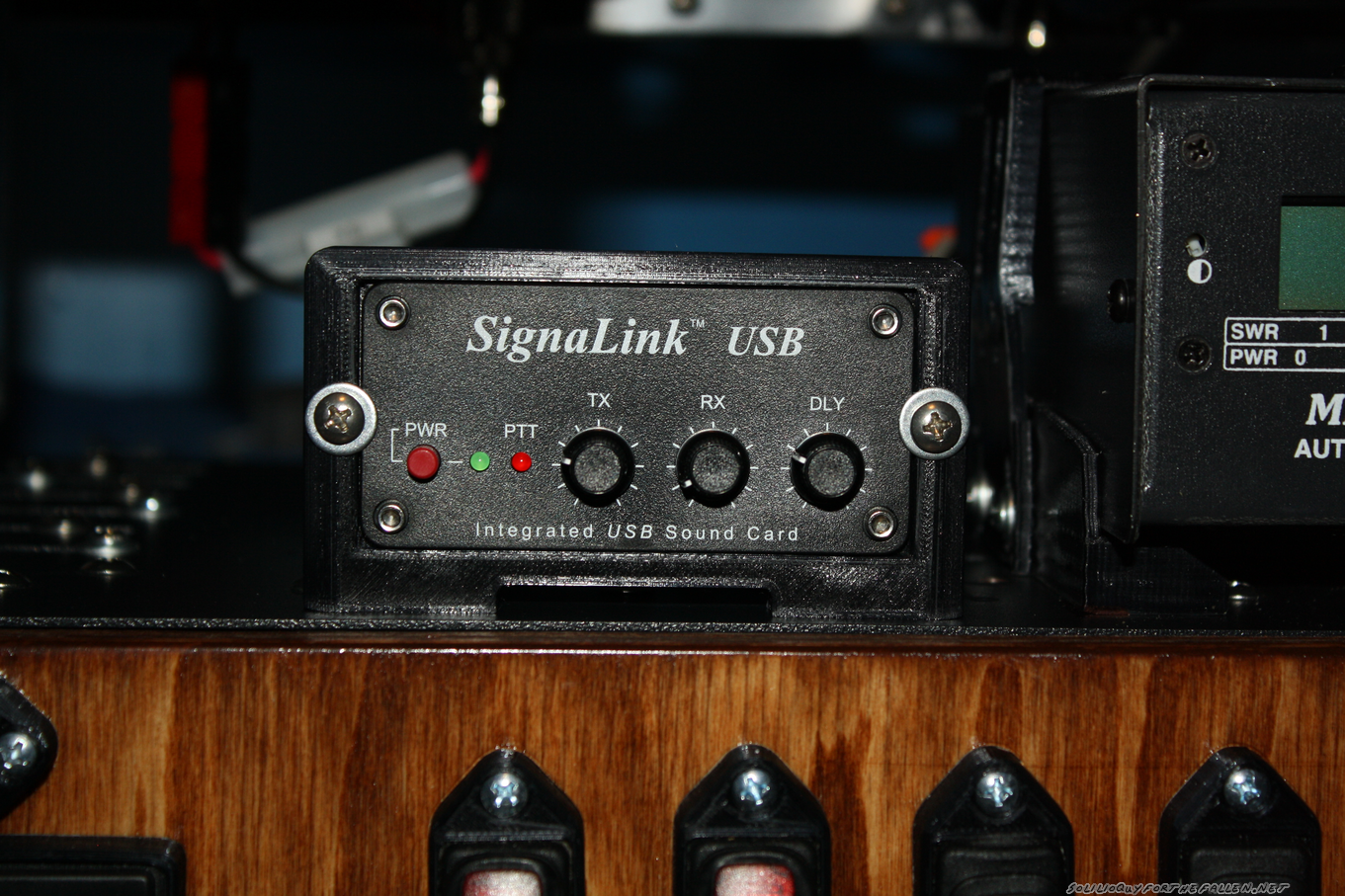
The last question was how to mount my signalink. I considered mounting it quite a few different ways but decided that I didn’t want to modify the case of the signalink in any way. So I elected to mount it from the face.

Mounting was tricky, but doable. I had to drill two new holes for the faceplate into the shelf. Then, I pushed the 8-32 screws I wanted to use into the bottom holes. The the screws and faceplate were then bolted onto the shelf. I removed the faceplate (and board) from the signalink. Then I pushed the case in from the back. I slid the faceplate and board back in. I printed this with pretty tight tolerances, so I had to push everything in square from all sides. I reattached the faceplate to the case, then used a set of 8-32 screws with washers to make sure that the signalink couldn’t push back on the front.  The faceplate sits on a small shoulder on the mount.

And here’s a demo of the lights and the fans.  I’ll demonstrate the Signalink in a later post.

Note: As before, I have chosen to provide many of the solid model STLs for the 3D Printed Parts I used. However, I provide these STLs without support. I may have suggestions or warnings but they are provided as is. I hope that they are useful to you, but they may not be. Free is free.

Parts

3d Printed

Ordered Parts


“EDC” Tool Kit

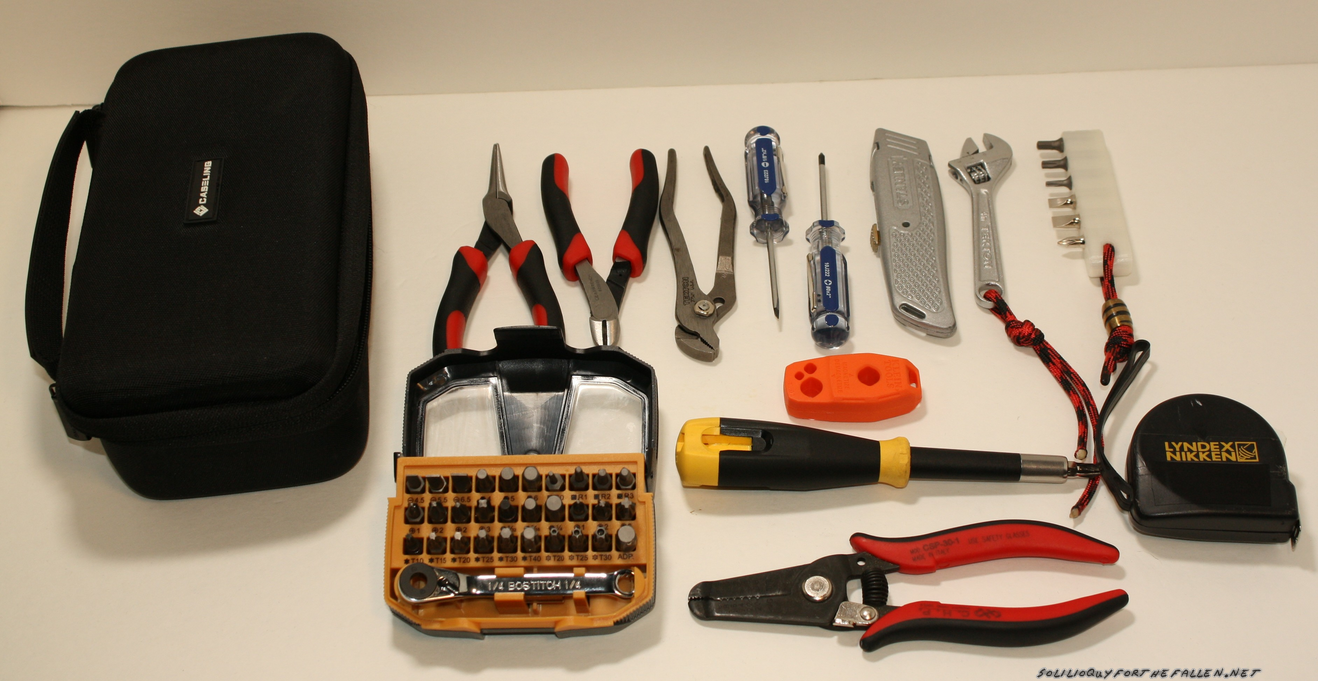
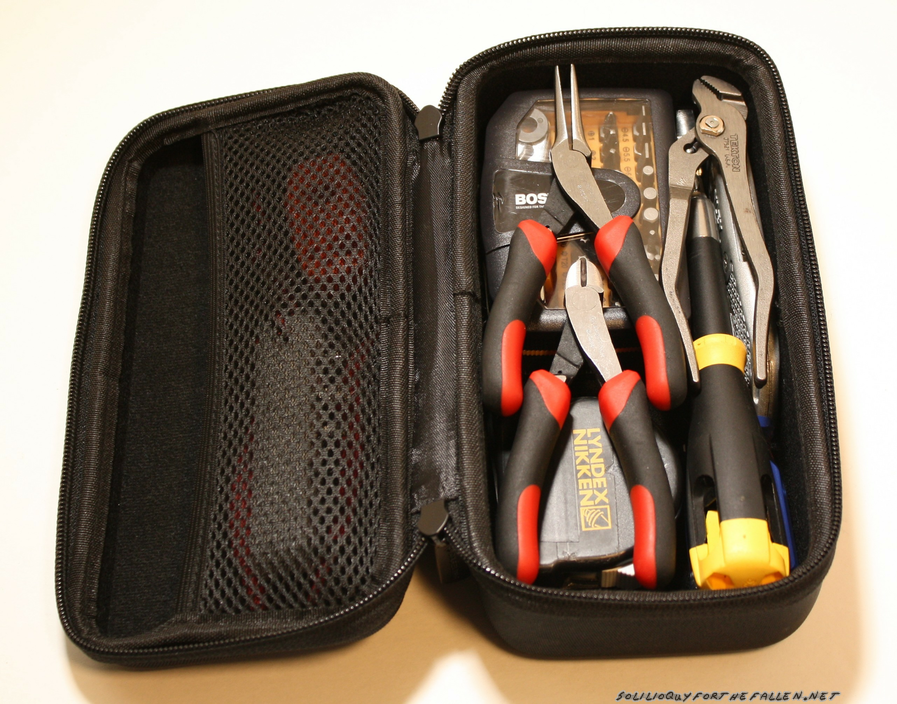
I thought for this month’s blog post, I would break down the tools I keep in my desk drawer at my main work space at home.  My desk tool drawer has a small pouch with a basic set of tools (broken down below), a fluke 87v multi-meter, x-acto knife, calipers, micrometer, imperial/metric set of sockets, and a small battery powered screwdriver.  My main tool box and tools are in the basement, two flights of stairs down and then back up.  95% of the time, I can deal with a problem, or get better eyes on it, by having these tools at hand.

Breakdown, from left to right:

  1. Mini Needle Nose Pliers
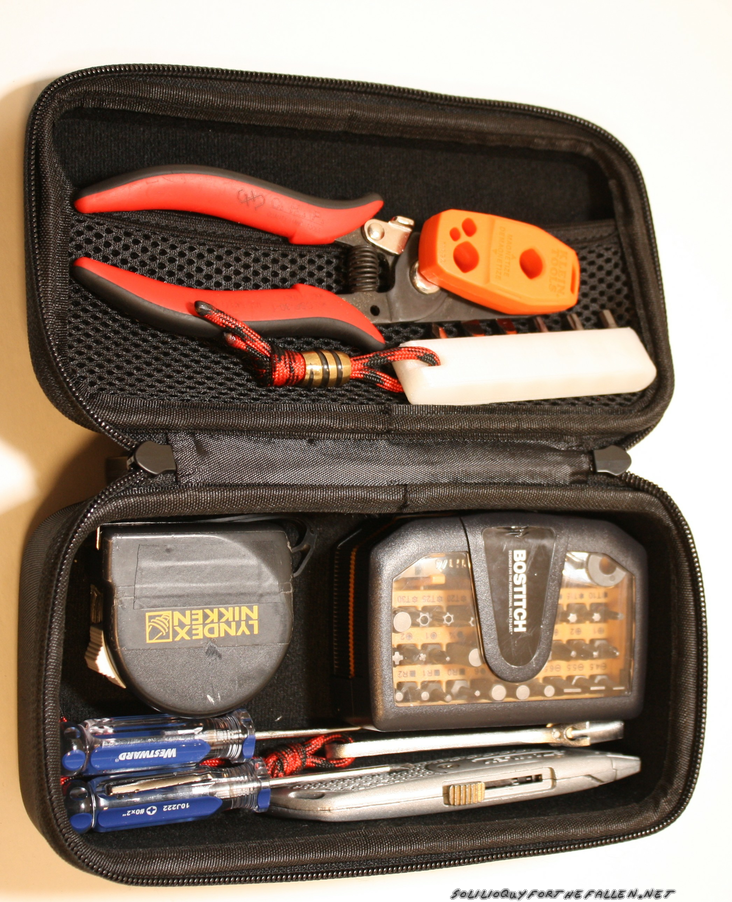
  2. Mini side cutters
  3. Pump pliers
  4. #0 Phillips
  5. 1/8″ Flat head
  6. Utility Knife
  7. Crescent Wrench
  8. Custom 3d printed bit organizer, with 5/32 Hex end, T20, T10, #1 Philips, 3/16″ & 1/4″ flat head bits.
  9. Bit insert & ratcheting handle set. I bought this originally as a bostisch but now Stanley is selling them. The Wiha 74996 is a good alternative as well.
  10. Klein Mag2 tool magnetizer & demagnitizer.
  11. Stanley 68-107 screwdriver
  12. Hakko Wire Strippers
  13. Tape Measure I got from a trade show long ago. Standard\metric.


And packed down.

This is the small tool kit I’ll grab to throw in my goruck if I think I’ll need tools while traveling.  It covers my bases pretty well.  Any more, and I probably need a work bench to.  Off to the basement.


Alinco DR-735T: Programming On Linux Through Windows

In my previous post on my Alinco DR-735t, I configured Virtual Box to share my USB programming cable from the host to the VM.  Last night, while attempting to add some Amateur Satellites to my radio configuration I couldn’t get it to mount.  I’ve had bad luck with sharing USB devices through VirtualBox, probably because I’m doing something wrong.  At any rate, I found a post from TechToolTip that showed how to mount a host’s serial device within the virtual machine.  This worked flawlessly, and I feel will be a robust solution.  The only disadvantage is needing to shutdown the VM to configure the port sharing.  I still haven’t found a way to program the radio directly through linux, and I’m not hopeful that Alinco will support linux. For now though, using this feature of VirtualBox seems to work quite well.

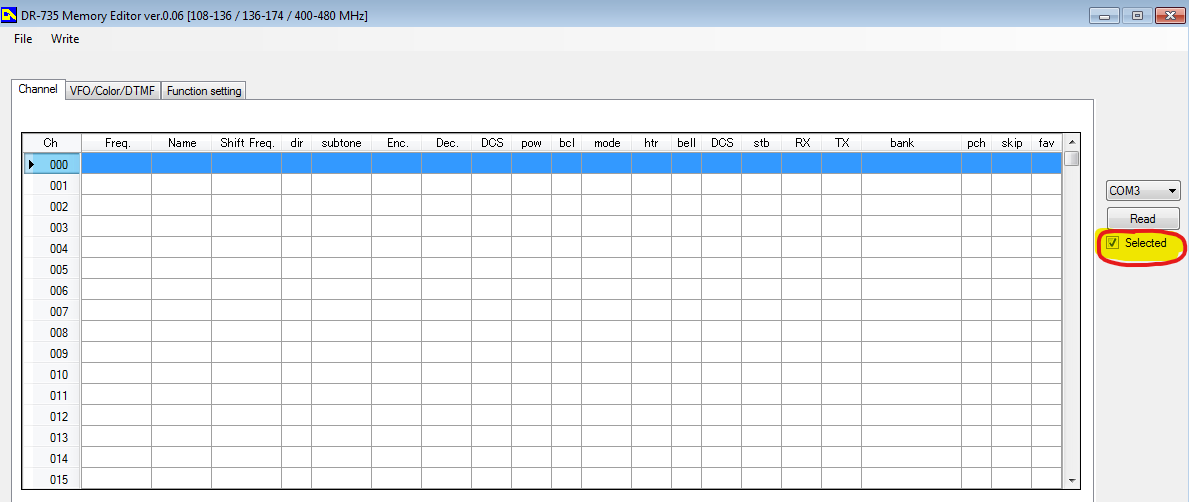
Because I had lost the previous configuration, I cloned the radio to my Virtual Machine.  Similar to how you have to highlight all the channels you want to send, you have to highlight enough channels to clone your current configuration within the radio.  That is, unless, you uncheck the “selection” box, as shown below.  Then the program will read and write all memories, regardless of what you have selected – which I feel should be the default option.


Pistol Crossbow Antenna Launcher

Sometime around June 2017, I built an end fed antenna with match box. End feds are not … great antennas but they are decent for the space they take up in a go kit. The way mine is currently configured works well down to 40M. End feds are basically a long length of wire, with a 9:1 UNUN to help your tuner match it to multiple amatuer radio bands.

The real question though, is how to get the blasted thing up in a tree. Generally, the higher you can get an antenna, the better off you will be (unless you’re trying to do NVIS, but that’s a whole other subject). I considered using a modified spud gun, but I haven’t had good luck with spudguns in the past. I also didn’t like the idea of having to either hand pump the cannon or bring an air compressor. The NPOTA I attended we did not have an easy solution for powering a compressor either. So, here’s the solution I came up with.


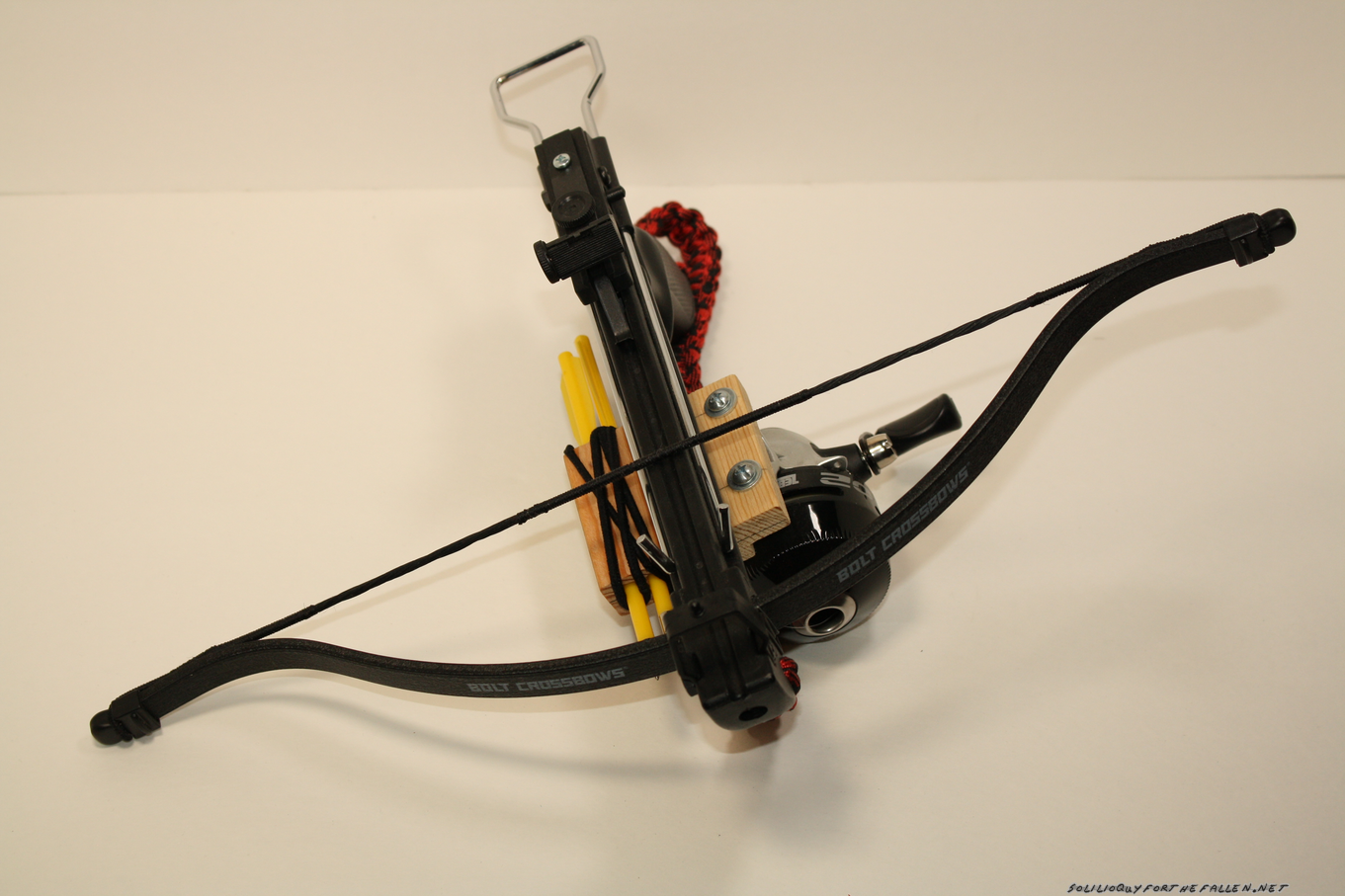
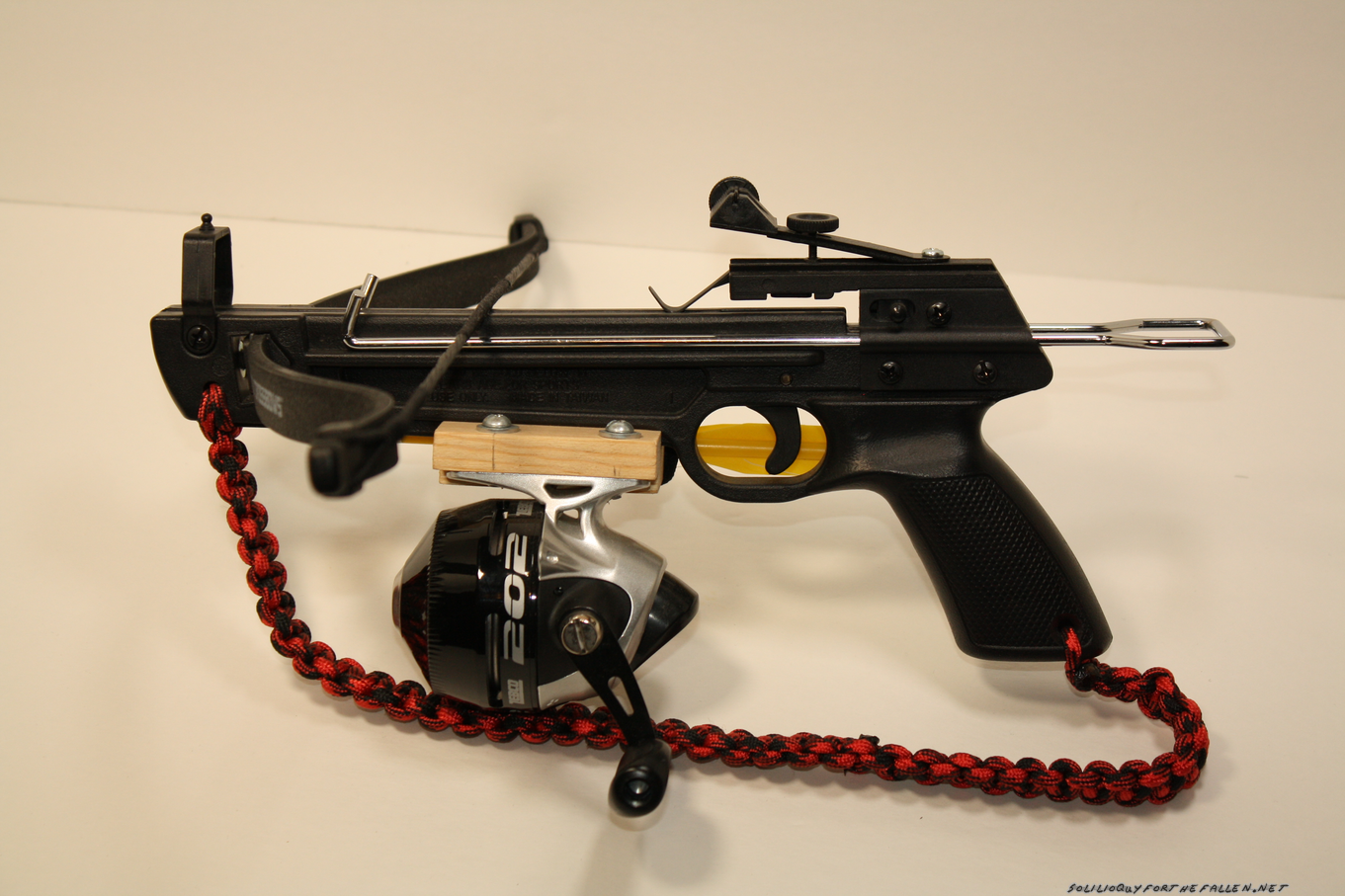
Originally, I had been planning on mounting a fishing reel onto a slingshot and launching a lead weight with the slingshot.  However, I was at a local farm supply store and saw a Bolt Crossbow.  I thought it was a much better solution (and more accurate) then a slingshot and smaller then a bow & arrow, so I bought it.  I had gotten the zebco 202 on clearance at walmart that I was planning on mounting to a slingshot for getting ropes high in trees.  Since this crossbow can handle both purposes, I decided to use it for that.

Then, I had some layout and decisions to make.  I wanted to have two bolts on board the crossbow, and then the fishing reel.  With that information, I laid out how large a piece of 1×4 I needed.  I cut a channel with the table saw for the crossbow to fit in down the middle of the block, then drilled two holes in the block.  Then I drilled and tapped the crossbow to mount the block.  I drilled two holes to mount the fishing reel, then drilled and tapped the reel so I could mount the reel to the block.  Finally,  I drilled two holes on the opposite side of the reel for the bolts to fit in.  A hair tie (stolen from a sister) retains them.

All in all, a pretty simple build.  I keep toying with building another version, able to be taken down making it smaller and more compact, based on an ar15 pattern rifle.

Parts List:

Additional Resources


Dopp Kit Mark III

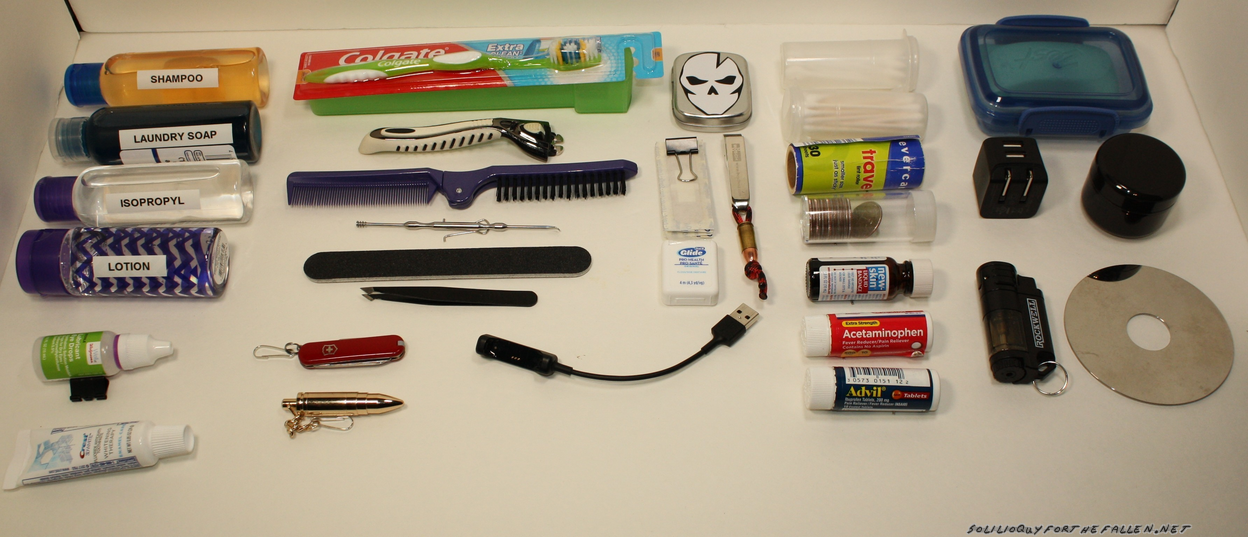
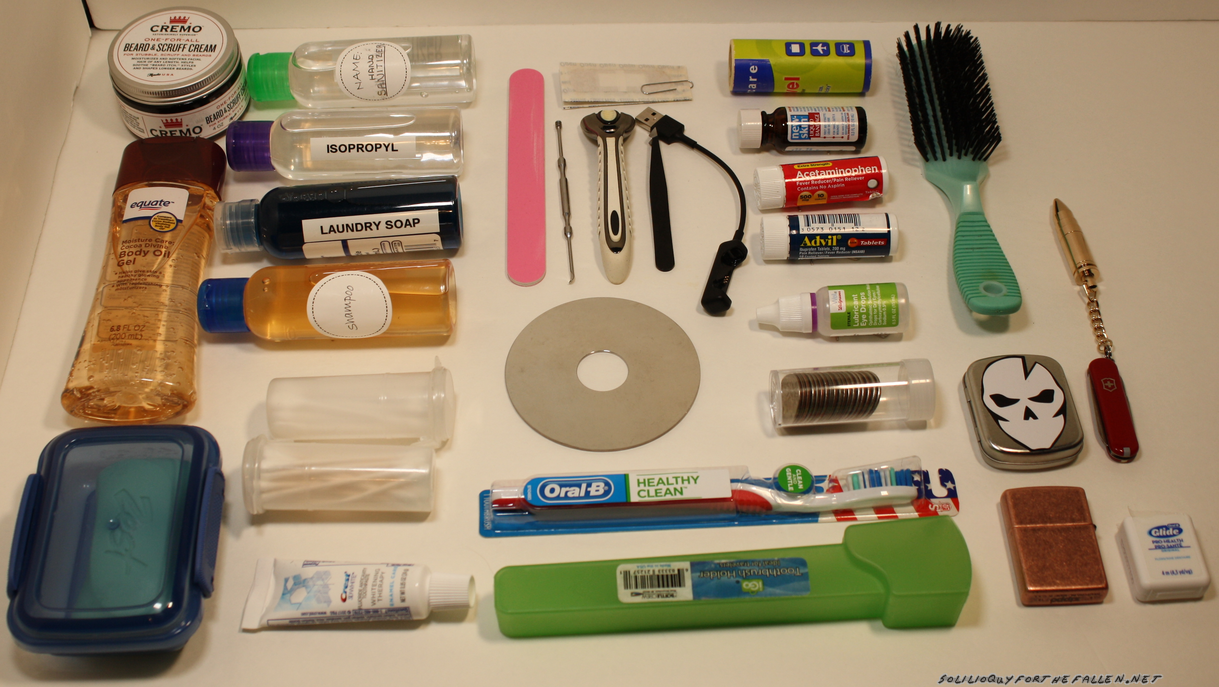
Knolled (not including spare razors and the phone cord)

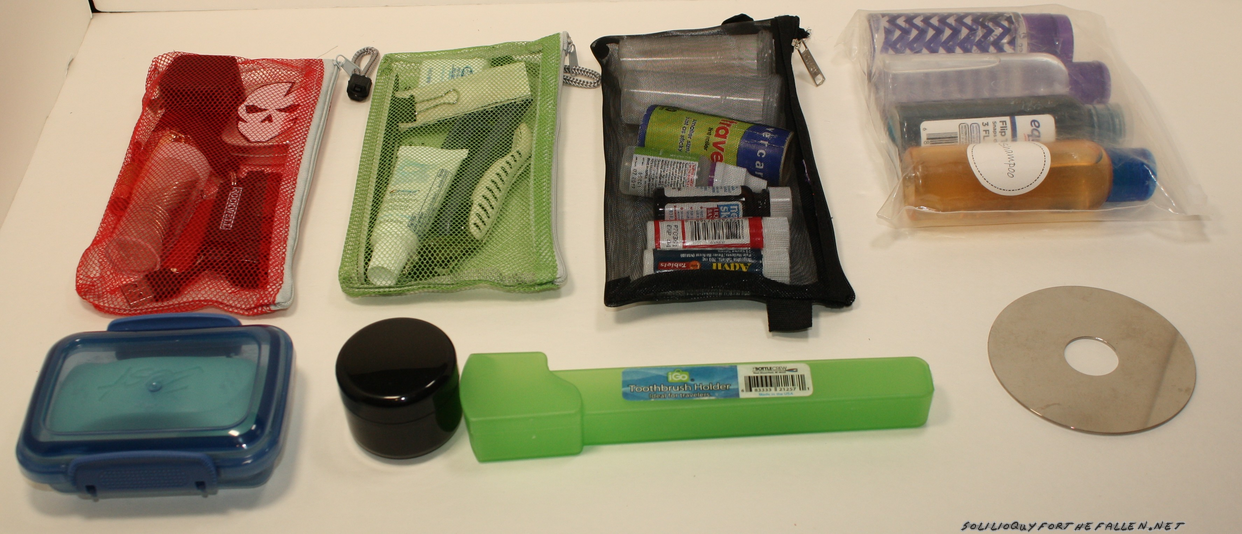
Bagged

Upgraded Dopp Kitt Bag


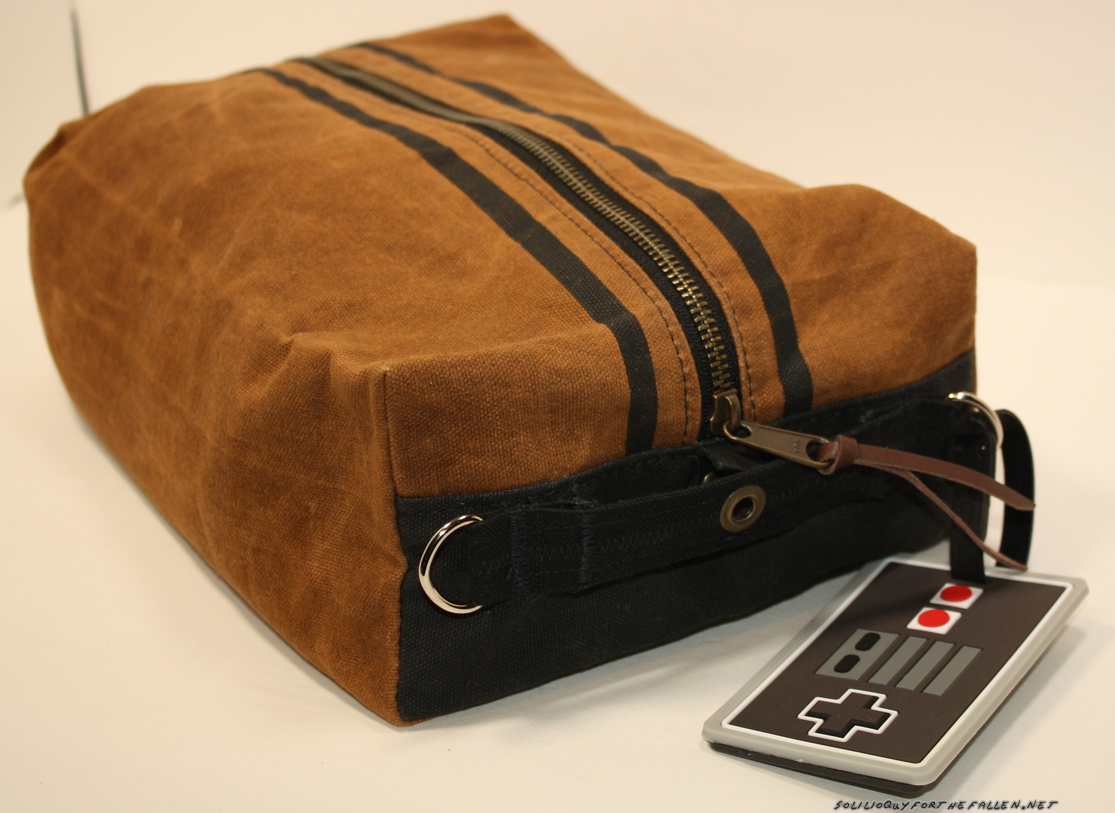
Here’s a 2019 update for my dopp kit.  I finally decided to add a handle to the dopp kit bag with d-rings on either side.  As usual, here’s an updated stock list for the bag.

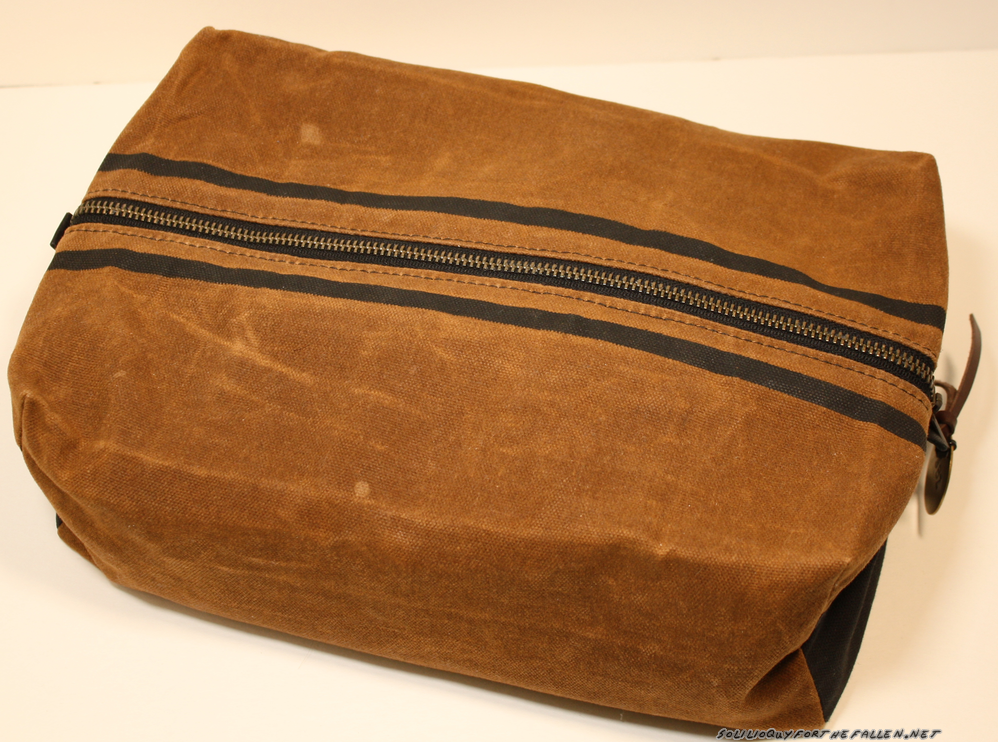
WilzGear Semi-Custom Dopp Kit (minus the handle that I added).

Thanks for reading!


Traveling Well: Kitting Gear

“Two is one, one is none” algebraically equates to “two is none.”   I call rubbish on the whole idea.  When I was younger, I would have been a great boy scout.  I was always prepared, because I always had everything.  I’m now triple the age which strangely, simultaneously shows both how old and young I am.  I don’t like carrying everything everywhere anymore and my experience is I always take to much anyway – “if you’re not worrying about the ounces you’ll be crying about the pounds.”

2015 EDC

2018 Carry + Knolling

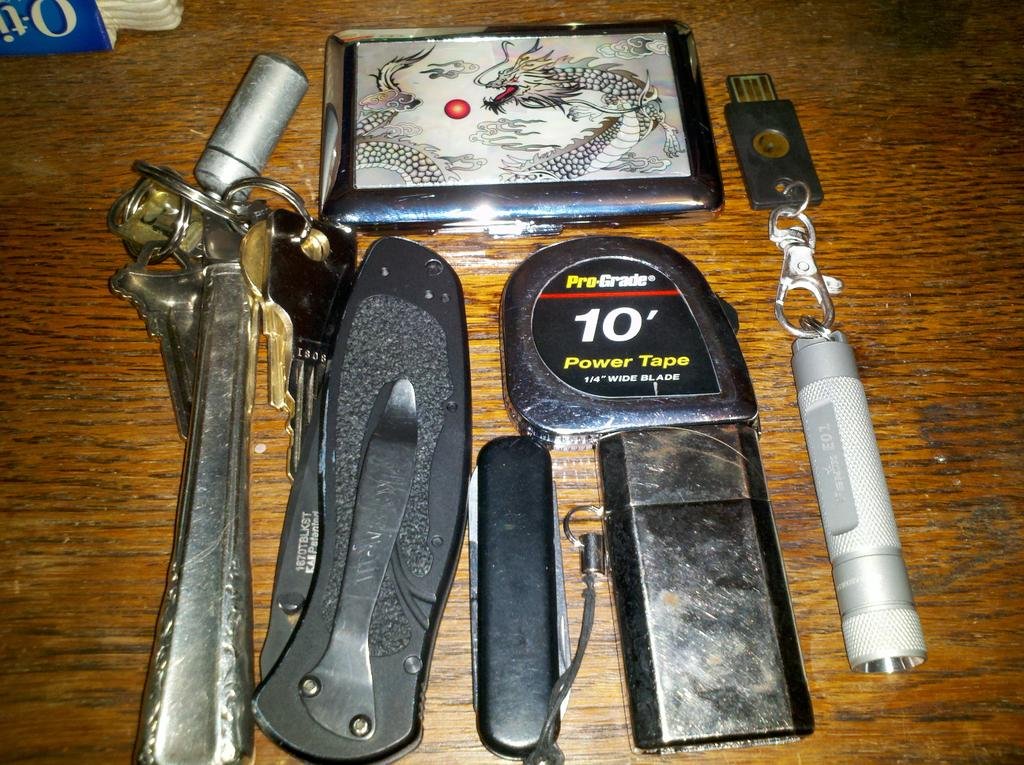
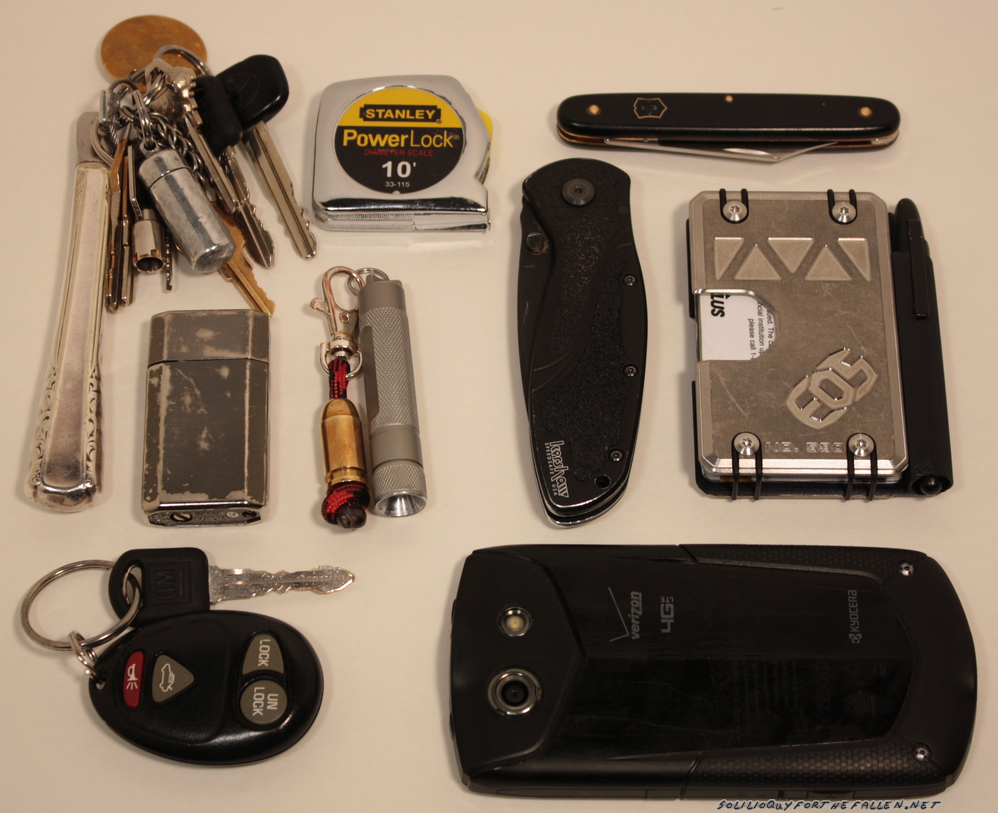
For my daily EDC, there’s a few things I always carry – cellphone, lighter, flashlight, tape measure, knives, and wallet. My keychain is kept light, both by pairing back the keys and modifying them to be smaller.  My EDC today is almost exactly the same as my EDC from 2015.  This is tried and true gear, tested, and carried for over 20 years.  I have quite a boring life – back and forth to work.  If I do find that I’m missing from my daily carry, I can either buy it, borrow it, or wait it out.

I feel like building is a “true EDC” is fairly easy, assuming you can follow step 2 of the steps below:

  1. Add things to your carry
  2. Get rid of them when you realize that you don’t use them.  You will apply this to 9 out of 10 things you decide to add to your carry.
  3. Bonus rule: Multipurpose is multisuck and not a reason to have a something of anything.

Building a kit … organically is much harder for me.  I tend to get an idea to build a kit for something, then start adding extra crap without having used the kit.  A specific example of this would be when I built a fairly expensive kit of tools to take shooting when I realized that 95% of my practice is done no more then 5 minutes from my work shop.  I don’t need a socket set and allen keys and more – I need to walk back in the house, lock it in the bench, and start working.  Oops.  Even the volunteer kit for my ham club suffers from to much rule one and not enough rule 2.  My shack in a box kit and my desk tool kit is being built with a different mindset of that experience.

But what about kits that God forbid you use?  I carry an an IFAK (Individual First Aid Kit) after deciding that having a CCW and not carrying an IFAK was a tad unreasonable – I’ll go out on a limb and say that using a IFAK is the more likely of the two and the least restricted as well.  How do you test and prove what is needed?  The best suggestion I have is to follow the guidelines of Tactical Combat Casualty Care.  There are a number of companies that will sell you a kit.  I recommend going with kit from ITS Tactical (as I’ve used their customer service which is top notch). I’ve heard good things as well about Dark Angel Medical’s training and Kits.  Buying kits from either will provided you with the enough to handle the two main “field killers” – extremity bleed out and chest wounds.  If you’re worried about how guns kill people learn how to save them, or at least keep your own ass safe.  The mind is the ultimate weapon, and the director of all else.  Returning fire is another mindset all together.

I wrote the previous paragraphs to set the stage to discuss duplication in kits.  I keep both travel sized Tylenol and a travel sized Motrin in my dopp kit.  I’ve also added them to my IFAK to make it more practical to it being part of my extended daily carry.  Another duplication I often see while traveling or building a kit is pens & pencils, and knives.

My concern with duplication is several:

  1. Duplicating consumables is double the things to mind.
  2. Double the items is double the weight and space you’re using for the same thing.
  3. Double the things to lose somewhere.

With that in mind, I try not to duplicate items in my carry unless there’s a significant reason to do so.  Originally I thought that I would end up removing the pain relievers from my IFAK, but now I’d pull them from my dopp kit first.  If I go anywhere with a bag, I grab my IFAK.  This means if a headache (as I usually get on Saturdays) decides to be worse then usual I’m prepared regardless of if I’m traveling or partying.  In this case, I’d argue that duplicate them isn’t a bad idea as they are both consumables.

I wish I could submit to you, the readers of the blog, a good rubric for when and why to duplicate an item, but I can’t.  In the end, I can only reference the three steps and suggest that you, as the minder of the ounces and carrier of the pounds, be ruthless when deciding what to remove from your bag.  For most of us, if there’s a real problem a quick stop to Walmart or Target and you’ll be back in business.


Travelling Well: Dopp Kit Mark II

Dopp Kit Mark I

If you haven’t read the Traveling Well: Dopp Kit post, you may want to head back in time to late 2015 and check out the configuration of my first Dopp Kit.  This post mainly provides an update about the contents of the iterated Mark 2 dopp kit, aka an S^3 bag (google “3s’s” if you don’t get it).

Building this kit out is what made me pose the questions of my previous post, Traveling Well: Kitting Gear. The thorny duplication subject specifically applies to the tylenol and ibuprofen that duplicate within my tcc kit.

Knolled

Bags within Bags!

All packed up

I’ve dumped items that I’ve never used in the last four years (here’s looking at you needle & thread), or items that I’ve went to a different version of (I trim my beard and hair using a full sized, wall plug trimmer now).  I upgraded the soap container to something that seals.  I keep a fresh tooth brush in the dopp kit, and change the one in the bathroom with it when I return.  That way I don’t have to worry about a moldy toothbrush in my dopp kit.  I’ve added a container of quarters so that when traveling I have change for the laundry mat.  Being able to wash clothes allows for less bulk while traveling.

When I travel, I don’t keep the bag in the bathroom where it will get wet and nasty.  Instead, I lay out a hand towel on the dresser or desk in the hotel room.  As I use items from the kit, which is kept near the towel, the items are laid out out on the towel to dry before being returned to the bag.

  • Bag 1:
    • Travel Tylenol
    • Travel Motrin
    • New-Skin
    • lint roller
    • eye drops (I grab these from the dopp kit even when not traveling as they have an expiration date)
    • Q-Tips
  • Bag 2:
  • Bag 3:
  • waterproof ziplock (TSA Regulation sized)
  • Left loose:
    • toothpaste
    • tooth brush
    • hair brush
    • body lotion
    • beard cream
    • soap in a sealing food container

Bag 1 & Bag 2 refer to these breakout bags.  Bag 3 is a bucket boss zipper bag I had handy.  They are stored with everything else inside my WilzGear Semi-Custom Dopp Kit. Most of these are sundry items from Wal*Mart (do they even care about the star anymore?). I’ve linked where appropriate for online items.

Thanks for reading!


Shack-In-A-Box: Onboard Power

In a previous post, I documented the build process of my ham shack in a box.  Notably lacking was a power source to power the box, and this was something I decide that I would add and document in a later post.  Initially I though I would pull the server supply out of this box and mount it to finish out the calendar year, then purchase a solution like the Samlex closer to next year’s Field Day.  However, I decided instead of coming up with ways to mount two separate power supplies I would save myself the time and trouble and acquire the samlex supply this year.  There were issues with noise on the 80M band and I’m pretty sure the power supply was at fault.

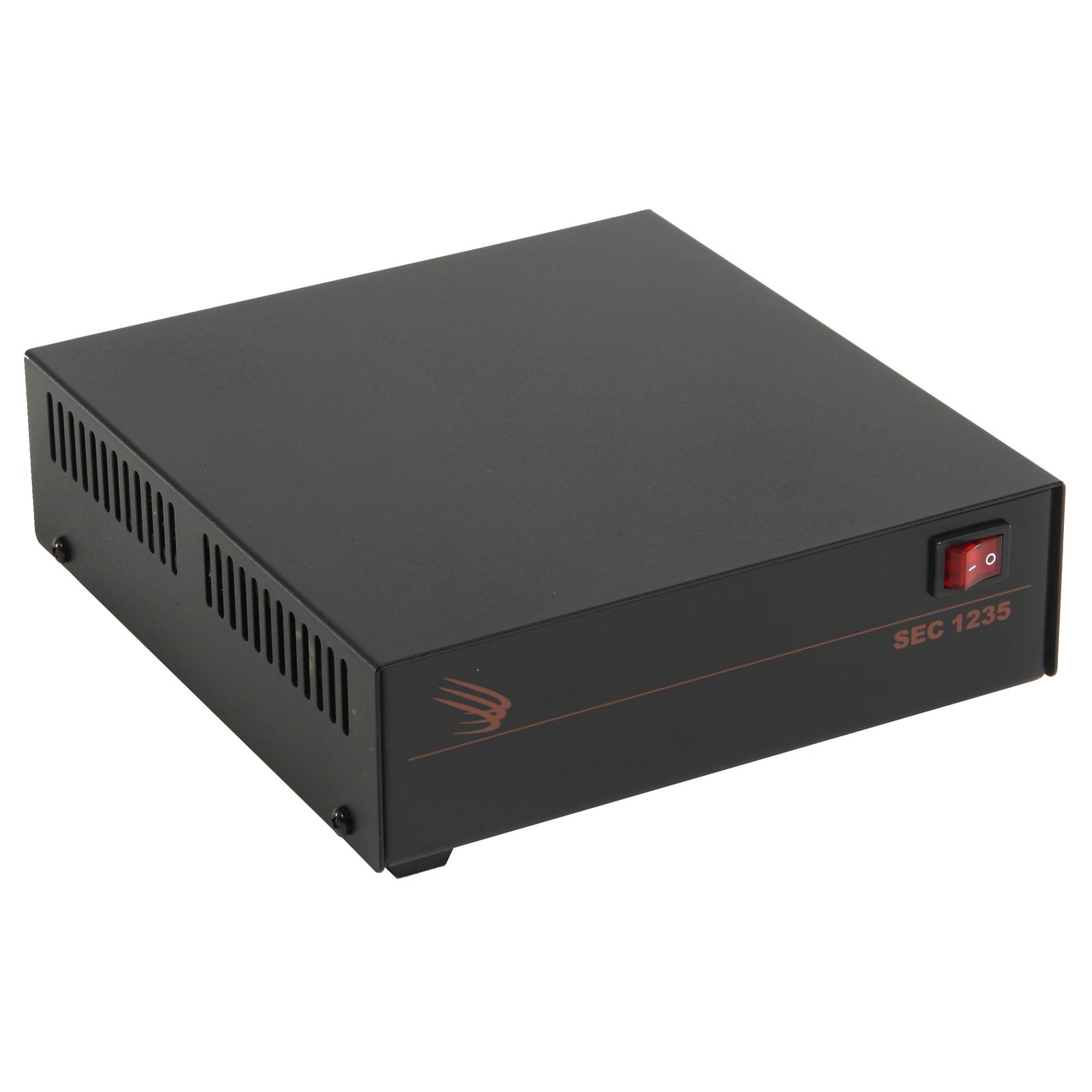
After searching the current market offerings, I selected the Samlex Desktop Switching Power SEC-1235.

This power supply was selected because it was relatively featureless, and could provide 30 amps continuous, and 35A Peak.  With the onboard power monitoring and the way I intended to mount the supply, there was no need for the SEC-1235M model, which has its own onboard voltage and amperage display.

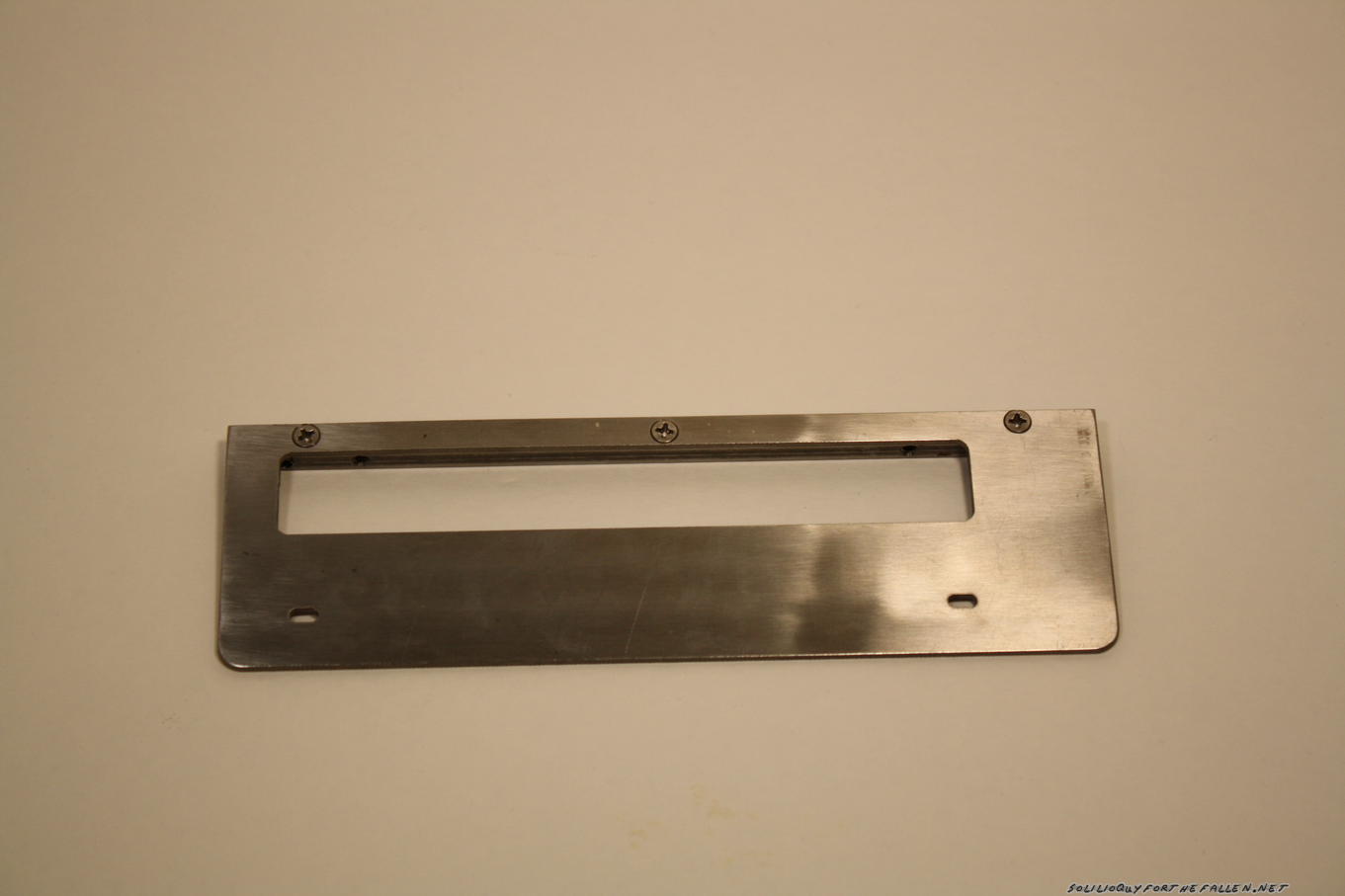
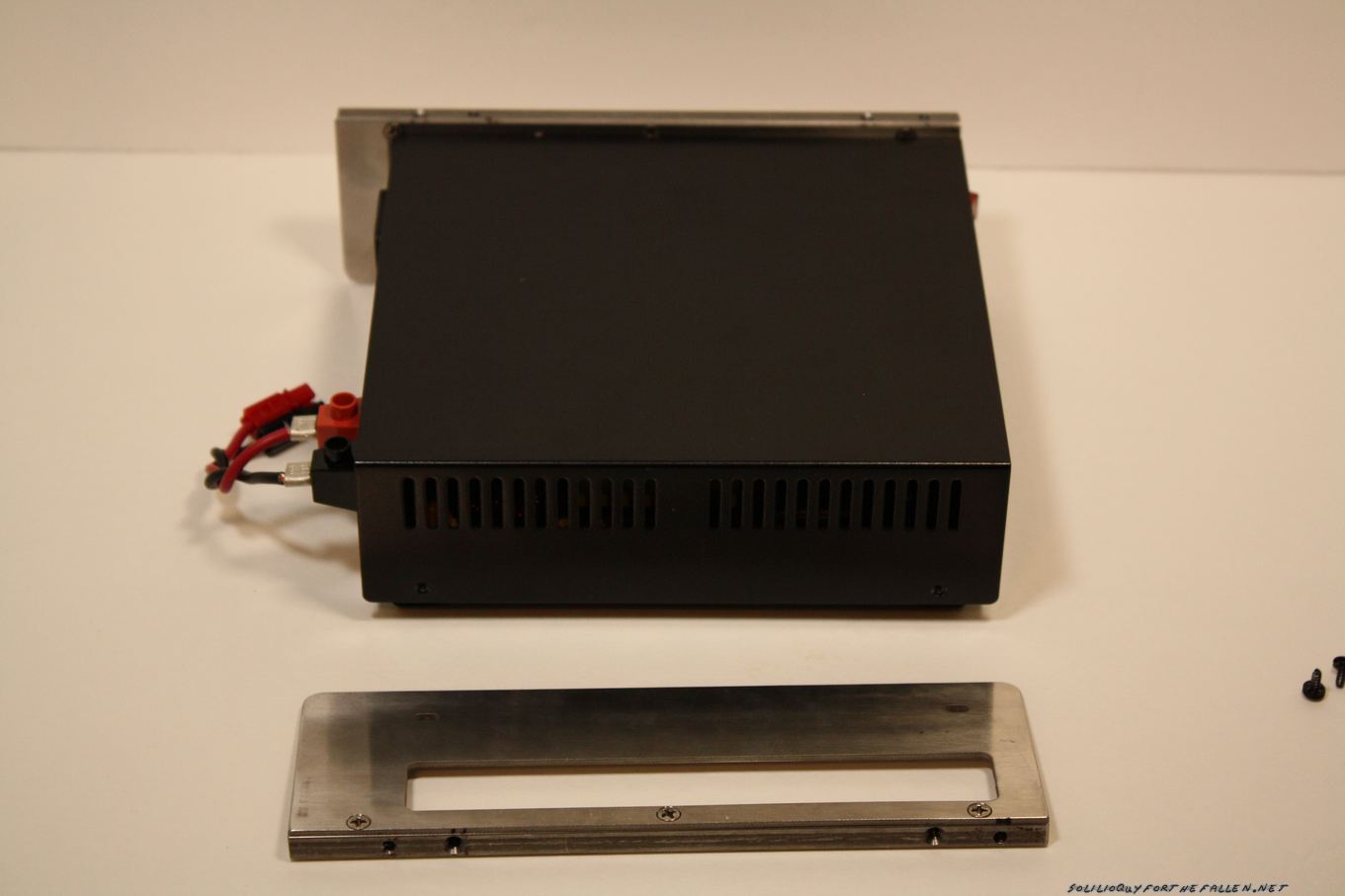
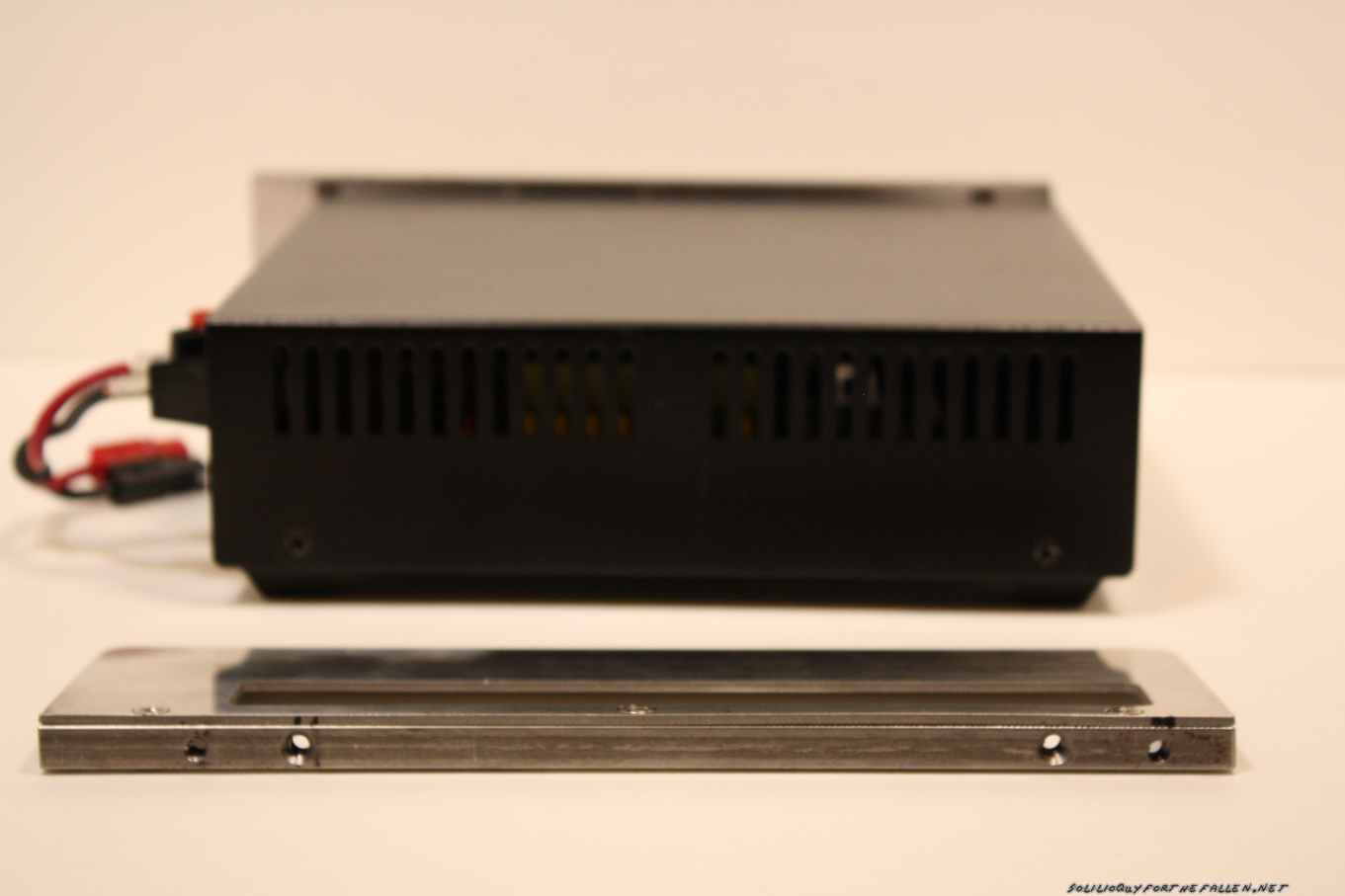
Samlex sells a mounting rack that allows you to mount a radio together with the power supply and I co-opted this idea for my mount. First, panels were drawn and a shop favor invoked for them to be cut on the water jet.  Then, I purchased keystock to mount the panels to, and to mount the power unit to the shack in a box.

Keystock drilled and tapped, panel holes cut & drilled

Keystock mounted. Need flat head screws for flush mounting.

Removing the factory screws and using original holes to mount the panels.

Another view of mounting the panels

Final Mounting

Another View

Fitted into the shack in a box